
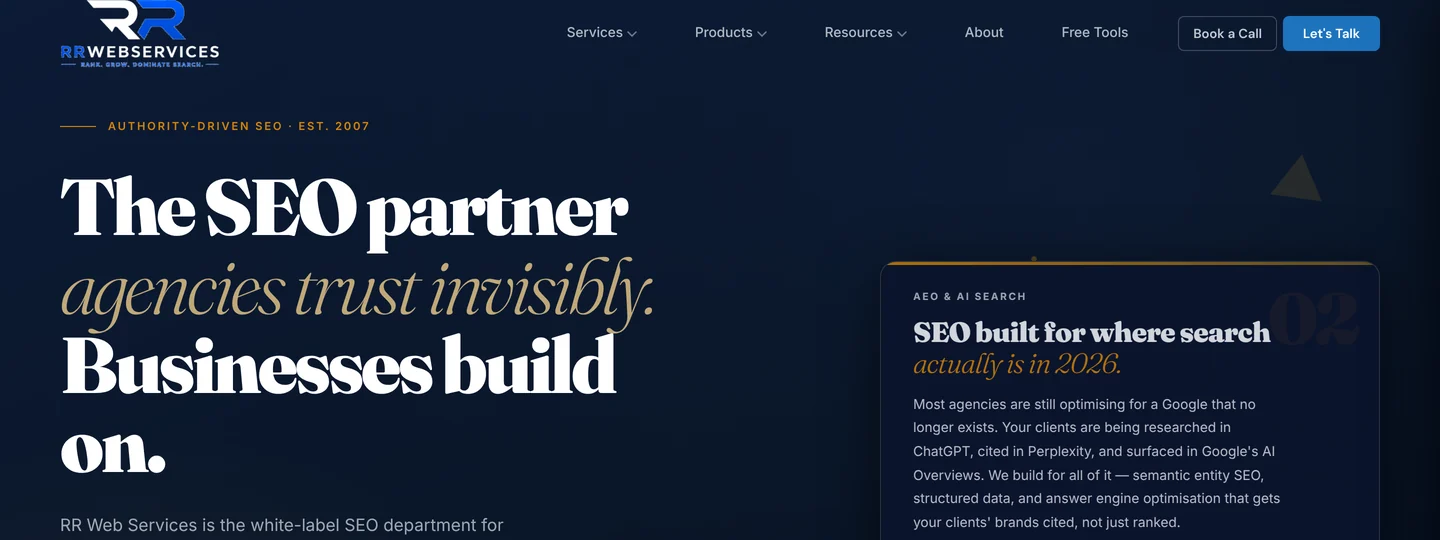
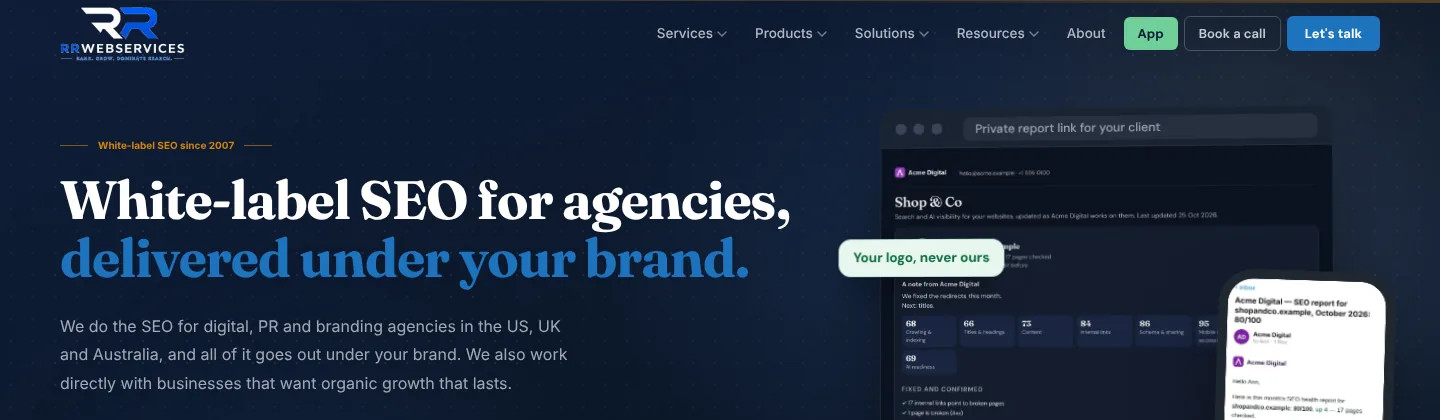
Our own website ran on WordPress, with the GeneratePress theme, a child theme and a stack of plugins. Nothing was broken. But it was the site that brings in our own leads, and every job it did depended on someone else’s code. In October 2026 we moved it to our own SEO-Ready CMS. This is how we did that without losing a single address.
The problem
Every job a ranking site needs was done by a different plugin or outside service. SEO fields, schema, forms, bookings, caching and analytics each came from somewhere else, each with its own updates and its own idea of how a page should look.
That had three costs:
- Weight on every page. Theme and plugin files loaded on pages that didn’t need them, so speed work meant fighting the stack rather than improving the site.
- Data in many places. Leads, visits, tool results and bookings sat in separate tools, so it was hard to see which visitor was close to buying.
- Upkeep. Each plugin update was a small risk, on the one site we can’t afford to have break.
What we had to protect
A migration is where sites most often lose search traffic. The usual causes are changed addresses, missed redirects, pages that quietly look or read differently, and titles, descriptions or schema that get dropped on the way.
What we did
- Step 1
Rebuild on the platform
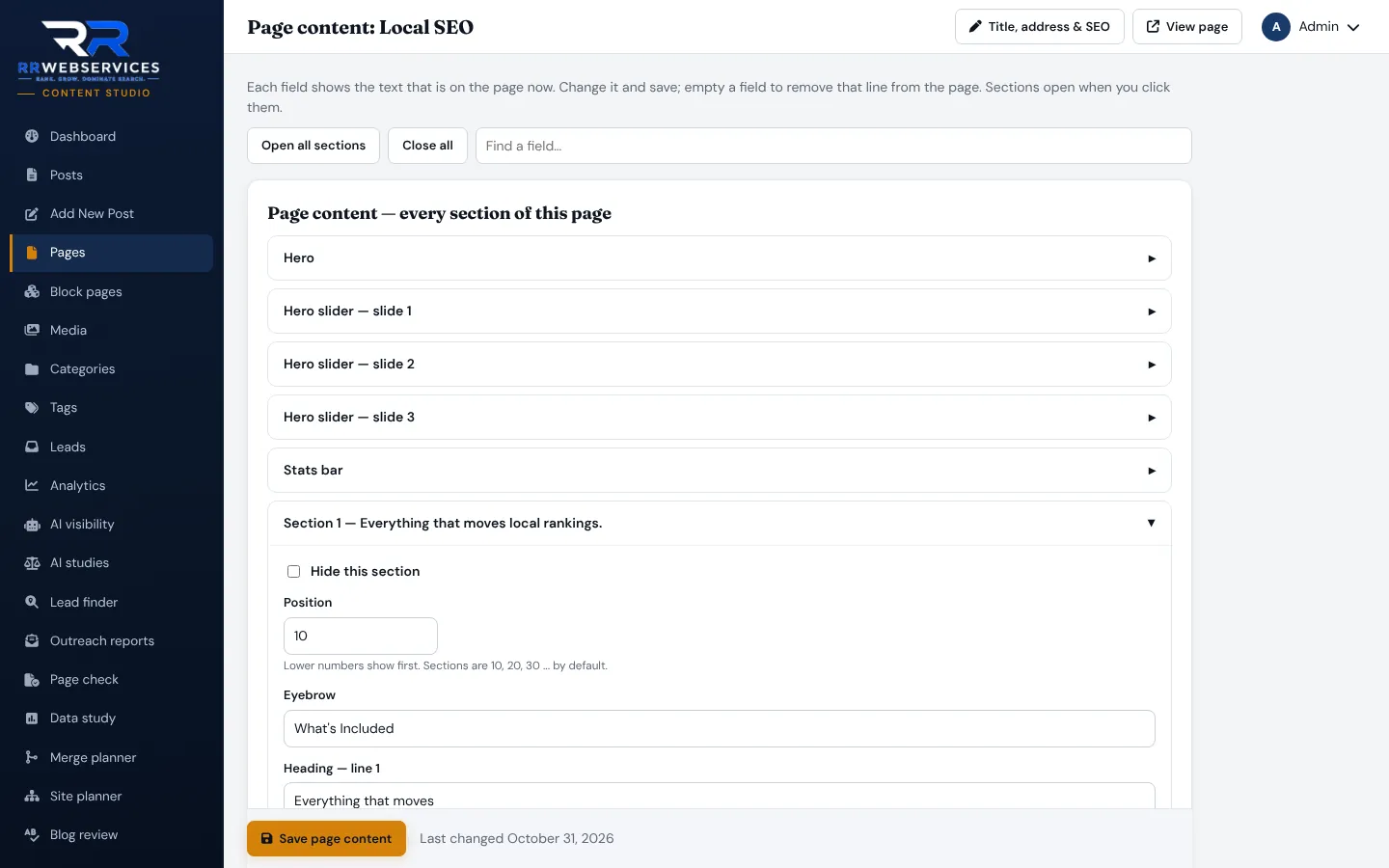
The theme’s layouts moved onto the SEO-Ready CMS, so every section became an editable field instead of page-builder markup.
- Step 2
Compare every page
Each address rendered on the new platform and compared with the same page on WordPress, until only intended differences were left.
- Step 3
Bring the content across
Pages, posts, images, leads and bookings imported from the live site, with their original IDs and addresses.
- Step 4
Review on staging
A complete copy on a staging address, to check forms, bookings, email and every template before anything changed for visitors.
- 18 Oct 2026
Go live
The new platform switched on at the same domain, with the WordPress files and database kept as a way back.
The comparison was the part that mattered most. For each of the 148 addresses we rendered the old WordPress page and the new one and compared them. 145 came out identical. The other 3 we changed on purpose.
- 145 Identical to the old site
- 3 Changed on purpose
Page-by-page comparison of the WordPress output and the new platform, before launch.
Because nothing moved, no redirects were needed for the move itself, and every link pointing at the site, from Google or anywhere else, still lands on the right page.
Behind the pages, each section of a template is now a field in the CMS. Headings, sections, menus and prices are edited in one place, and updates to the platform arrive as signed files that can be rolled back.
The results so far
Every address still works, so every link and ranking still points to the right place. We ran Lighthouse on the main page types just before launch, on both versions:
Lighthouse lab tests on a simulated mid-range phone, run on 15 October 2026, before launch. Each bar runs from the lowest to the highest score across the page types tested.
On a laptop the same pages scored 99 to 100, with a layout shift of 0, and a typical page weighs about 320 KB before photos.
Things that used to need plugins or outside services are now part of the site: our own visit analytics, prospect scoring, Search Console figures inside the CMS, the free SEO tools and app, and the controls for AI search (schema on every page, llms.txt and rules for each AI crawler).
What we’ll publish next
A migration should be judged on search results, not on launch day. We’ll add Google Search Console figures here (clicks, impressions and average position for the same periods before and after the move) 90 days after launch, in January 2027. Until then we don’t claim any ranking gains.
What we’d tell anyone planning a move
- Keep every address. The cheapest redirect is the one you never need.
- Compare page by page, not by eye. Small differences in titles, headings or schema are the ones that cost rankings.
- Measure before launch. Without a before, there’s nothing honest to compare the after with.
- Keep the old site as a way back until the new one has run for a while.