
Skip to content

Free SEO and AEO
tools

Free tools that check a website the way Google and AI answer engines like ChatGPT and Perplexity read it. Most need no sign-up, and each one ends with what to fix, in order.

  • 17 free tools
  • 16 work without signing up
  • Rules checked against Google’s and the AI crawlers’ own documentation, 9 Nov 2026
Beta The Pro extras are free too while we’re in beta. Sign in with your email and you get the fixes written for your page, more pages checked, a comparison with your competitors and AI visibility checks, within fair daily limits. No credit card. Sign in free

Start here

Most people start with one of these four. Each answers one question, and each report points to the other tools when you need more detail.

What are you trying to fix?

Find the problem, then open the tool for it. Where two or three tools help, start with the first.

  1. A page isn’t showing up in Google

    Check what the page answers, whether a noindex or canonical tag sends Google elsewhere and whether robots.txt blocks it, then make sure your sitemap lists it.

  2. Our site is built with JavaScript and Google seems to miss things

    Compare the HTML your server sends with the page after its scripts run. Text and links that only appear later are the usual cause.

  3. Clicks from Google went down

    Find which pages and searches lost clicks, then which pages are worth updating first for the clicks within reach.

  4. Two of our pages compete for the same search

    See which pages target the same searches, which one to keep, and the redirects for the rest.

  5. ChatGPT or Perplexity names our competitors, not us

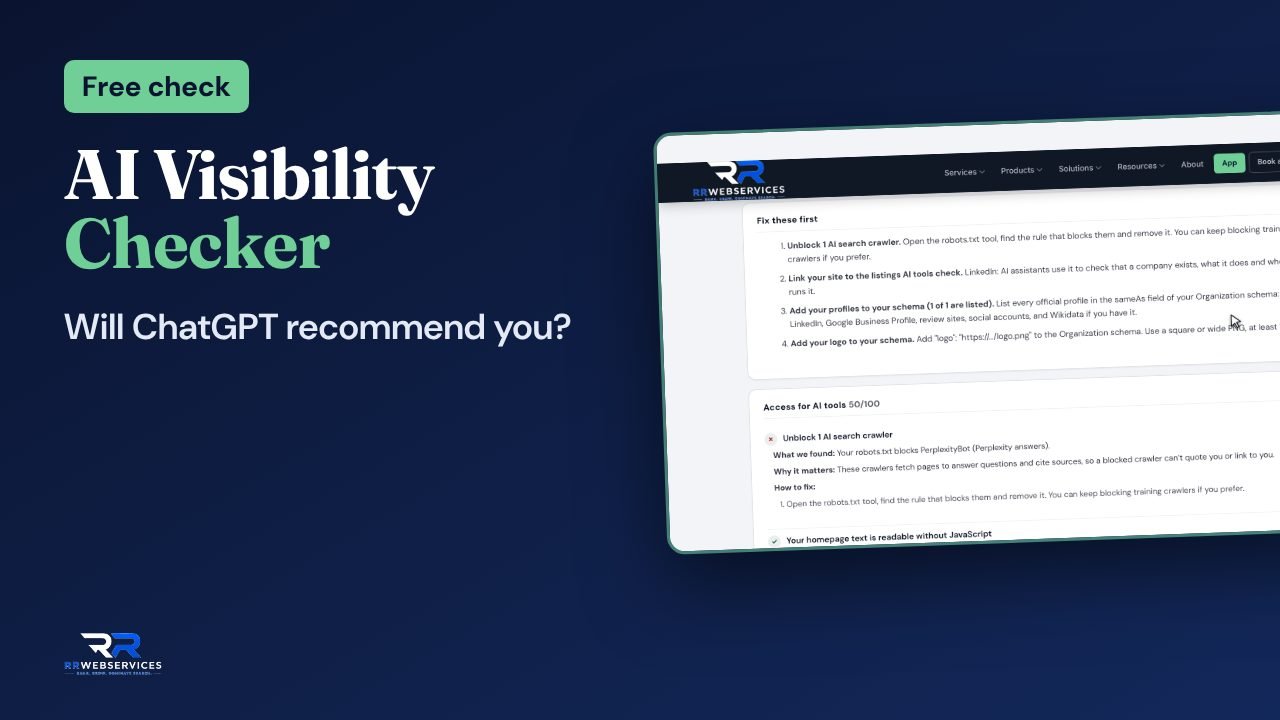
    Ask the assistants your customers’ questions and see who they name, then check whether their crawlers can read your site and whether your pages are easy to quote.

  6. We want AI search tools to read the site, but not AI training

    Let the AI search crawlers in and keep the training crawlers out, in one robots.txt, then point AI tools at your best pages with llms.txt.

  7. We’re moving pages or changing the site’s address

    Write the redirects from a list of old and new addresses, test each one, then make sure the sitemap lists only the new addresses.

  8. Pages are slow or heavy

    Find CSS the page never uses, oversized images and old libraries, and get smaller files back.

  9. Google shows plain results for our products, services or events

    Add the structured data Google reads for prices, dates and business details. It makes a page eligible for richer results; Google decides whether to show them.

  10. We need to know whether the site works for people with disabilities

    Test a page against WCAG 2.2 at levels A and AA, with the exact elements to fix.

All 17 tools, and what each one checks

Choose what crawlers should stay out of, then check your robots.txt for mistakes that block Google or AI tools and get a corrected file, or a new one.

Checks every line for typos and rules that don’t work, what each crawler may read, sitemap lines, and the server’s answer.

  • Free, no sign-up
  • Every AI crawler covered
  • Corrected or new file
Open

Choose the pages that don’t belong in your sitemap, check every address in it, and get a clean sitemap.xml.

Reads every sitemap your site lists, then checks each address for 404s, server errors, redirects, noindex, a canonical that points elsewhere, robots.txt blocks, http addresses and other domains.

  • Free, no sign-up
  • Every address checked
  • Clean file to download
Open

Write any .htaccess rule by answering a few questions, then check the whole file: every line explained, mistakes found and a corrected file.

Explains every rule, finds redirect chains and loops, HTTPS and www mistakes and rules that cause 500 errors.

  • Free, no sign-up
  • Runs in your browser
  • Redirect tester included
Open

Errors and speed problems in a page’s HTML and CSS, how much CSS it never uses, and safely minified files.

Checks tags that aren’t closed, render-blocking scripts, images without sizes, unused CSS, @import chains and fonts.

  • Free, no sign-up
  • Fetch a page or paste code
  • Real compressed sizes
Open

Drop in a page’s files or a zip. One fix plan for the HTML, CSS, JavaScript and images, and smaller files back.

Reads HTML, CSS, JavaScript, images and fonts: errors, unused CSS, old or doubled libraries, debug code and heavy files.

  • Free, no sign-up
  • Files never leave your computer
  • Up to 10 MB
Open

Compare the HTML your server sends with the page after JavaScript runs, and see what Google may miss.

Compares titles, canonical, robots, headings, text, links and schema before and after JavaScript runs.

  • Free, no sign-up
  • Any page, or two pasted versions
  • Scores for what Google sees
Open

Pick a schema type, fill in the form and copy ready-to-paste JSON-LD for rich results and AI search.

Builds JSON-LD for 29 types and checks it against what Google needs for each rich result.

  • Free, no sign-up
  • 29 schema types
  • Checked as you type
Open

Schema templates that fill themselves in from each page, for sites with hundreds of products, services or locations.

Builds a schema template with fields that fill themselves in from each page, plus the code to add it to your site.

  • Free, no sign-up
  • One template, every page
  • WordPress and any CMS
Open

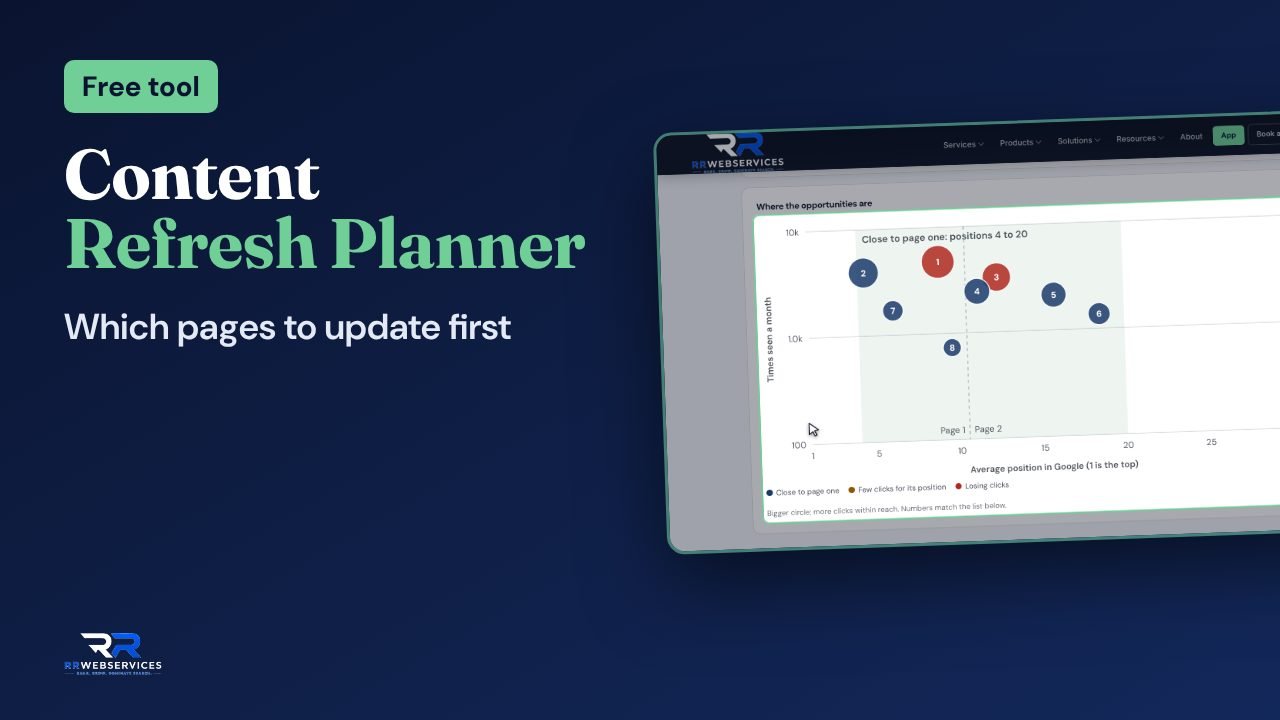
Content Refresh Planner

Free25 pages free in beta

Your Search Console data turned into a ranked list of pages to update, each with what to change.

Finds pages close to page one, clicked less than their position should get, or losing clicks, then checks the top ones.

  • Free, no sign-up
  • Upload, paste or connect
  • Top pages checked one by one
Open

Find pages that compete for the same searches, see which one to keep, and get the merge and redirect steps.

Compares the target searches of your pages, the kind of page each one is, and how much they overlap.

  • Free, no sign-up
  • Paste a list or load from Search Console
  • Redirects ready to copy
Open

Drop in a Search Console export and get quick wins, pages losing clicks, pages competing with each other and room to grow.

Reads Pages, Queries, Countries, Devices and Dates: trends, quick wins, brand vs non-brand, mobile gaps and questions people ask.

  • Free, no sign-up
  • Runs in your browser
  • CSV, Excel or a pasted table
Open

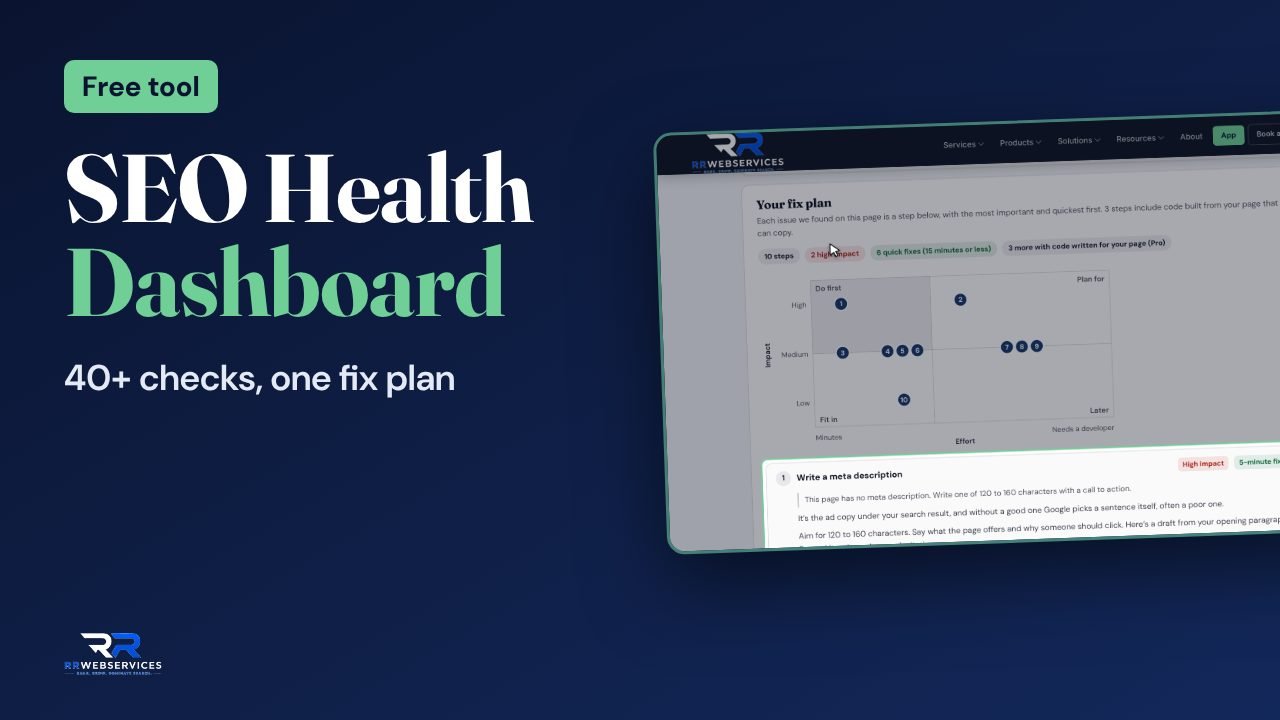
SEO Health Dashboard

FreePro extras free in beta

40+ checks on one page: the server, crawl rules, titles, schema, speed and AI crawler access, with fixes in order.

Checks the server answer and redirects, robots rules, titles, headings, canonical, schema, images, speed and AI crawler access.

  • Free, no sign-up
  • About 15 seconds
  • Any page, or pasted HTML
Open

Accessibility Checker

FreePro extras free in beta

Test a page against WCAG 2.2: alt text, labels, buttons, headings, contrast and zoom, with the exact elements to fix.

Checks alt text, form labels, button and link names, headings, color contrast, zoom, language and keyboard focus.

  • Free, no sign-up
  • About 15 seconds
  • WCAG 2.2 A and AA
Open

How the tools work

Some never send your data anywhere

The .htaccess Analyzer, the Website Code Checker and the GSC Data Interpreter read your file in your browser. Nothing is uploaded, so you can check a file with private details or code that isn’t live yet.

The rest read the live page

Give a tool an address and our server fetches the public page the way a visitor or a crawler would. That’s 3 checks a day without an account, and 15 a day with a free one.

The rules come from the source

What counts as a problem follows the documentation of whoever sets the rule: Google for Google, each AI company for its own crawlers, the W3C for accessibility.

The checks follow

Google’s and the AI crawlers’ rules were last checked against these pages on 9 November 2026.

Questions

Are the tools really free?

Yes. Every tool on this page is free to use. A few have extras beyond the free report, such as more pages checked or code written for your page, and the AI Visibility Checker’s live answers use a monthly allowance, because each answer is a paid call to the AI service. Each tool’s entry below says what, if anything, is extra.

Do I need an account?

No. Most tools work without one. Tools that read a live page by its address allow 3 checks a day without an account and 15 a day with a free account, which only needs your email. Tools that read a file in your browser, like the .htaccess Analyzer or the GSC Data Interpreter, have no daily limit.

What happens to what I check?

Files you check in the .htaccess Analyzer, the Website Code Checker and the GSC Data Interpreter, and code you paste into the HTML & CSS Analyzer, are read in your browser and never sent to us. When a tool reads a page by its address, our server fetches the public page like any visitor would. We record which tool ran and on which website, to see how the tools are used. For our statistics, results are kept without the website’s address, and a figure is only shown once enough sites are behind it. Privacy policy.

What’s the difference between SEO and AEO?

SEO is about ranking in Google’s results. AEO, answer engine optimization, is about being read, quoted and named by AI answers such as ChatGPT, Perplexity, Gemini and Google’s AI Overviews. They overlap a lot: a page that loads, can be crawled and answers clearly does well in both. The AI search tools here check the parts that differ, such as which AI crawlers may read your site and how easy a page is to quote.

Which tool should I use first?

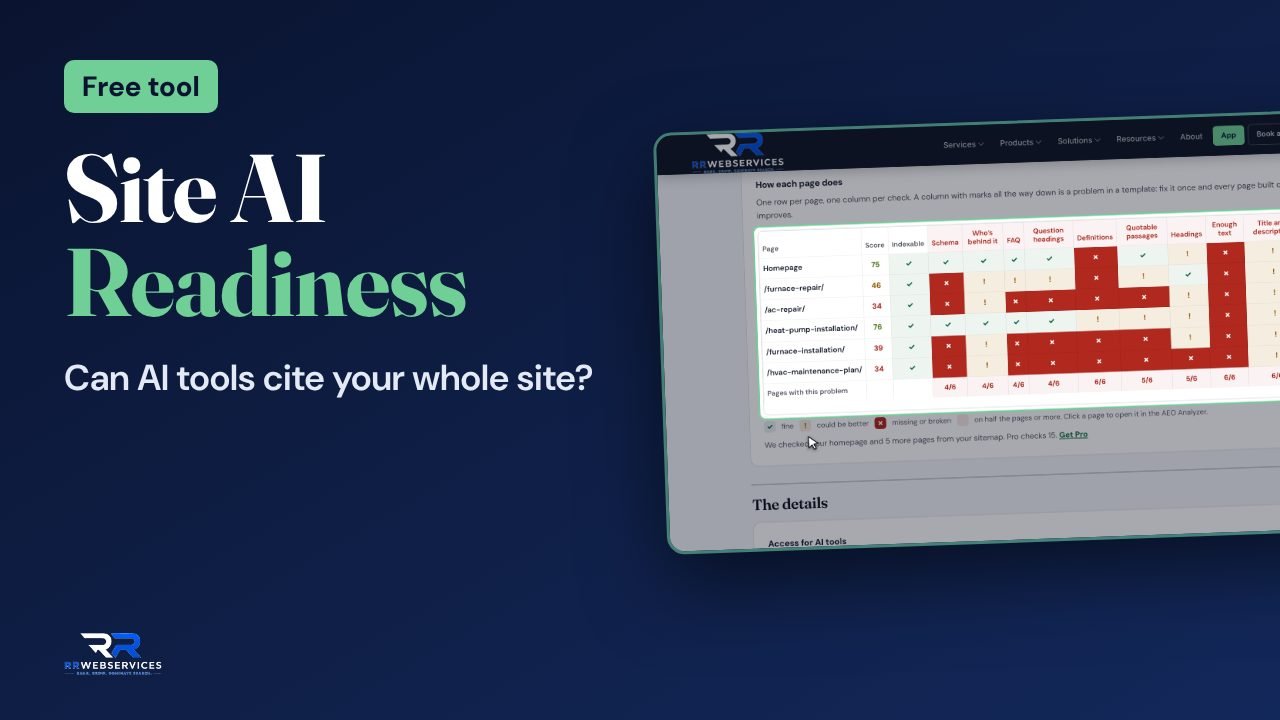
For one page, the SEO Health Dashboard: it covers the basics and points to the tool for each problem it finds. For a whole site and AI search, the Site AI Readiness Check. If you have Search Console, the Content Refresh Planner shows which existing pages are closest to more clicks.

How accurate are the checks?

They follow the published rules of the people who set them: Google Search Central for Google, each AI company’s own crawler documentation, and WCAG 2.2 for accessibility. Google’s and the AI crawlers’ rules were last checked against their sources on 9 November 2026.

Can I use the tools on a client’s site?

Yes. The tools work on any public website, and the reports can be saved as a PDF.

Can these tools replace an SEO audit?

They find most technical and on-page problems on the pages you check. They don’t look at your market, your competitors’ strategy or which pages your business needs next; that’s what a full audit adds.

Use the tools here, or all of them in the free app

Every tool works on its own page. The free RR SEO Tools app puts all of them in one place, keeps every report, and installs on your phone or computer.

On the tool pagesIn the RR SEO Tools app
Use the toolsFree, and most need no sign-upFree account (just your email)
Full reportsA preview, then the full report when you sign in freeAlways shown in full
Check pages by URL15 free a day with an accountThe same free allowance
Your reportsShown on the pageSaved to your account to reopen and compare
Phone and computerAny browserInstall it like an app
AI-powered checks (speed, AI visibility)Free monthly creditsFree monthly credits, plus packs if you need more

Open the free app

Get a full SEO audit

The SEO Clarity report gives you a 70-point technical audit, a keyword gap analysis, a snapshot of your local visibility and a 30-day action plan, delivered in 5 business days.