
See what’s wrong with a page,
in the order to fix it.
A list of errors isn’t much help on its own. These free tools check a page for search, AI and accessibility problems, then put the fixes in order so you know where to start.
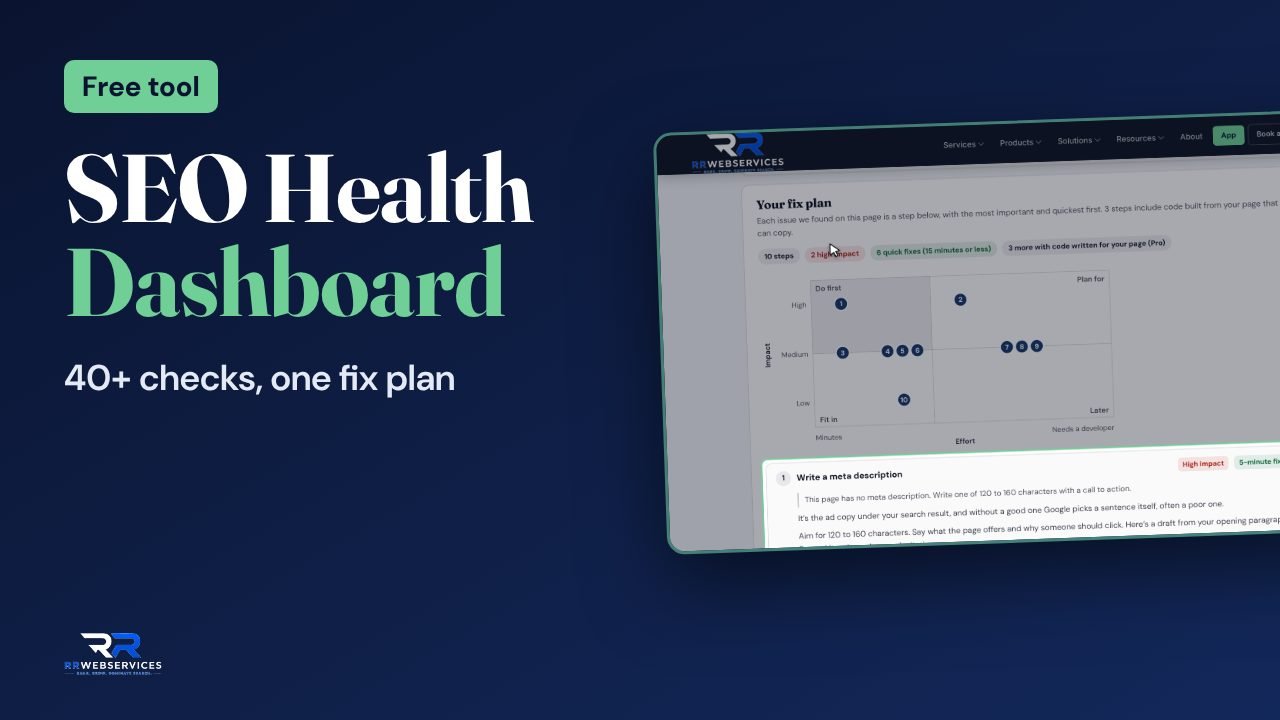
- 40+ checks per page
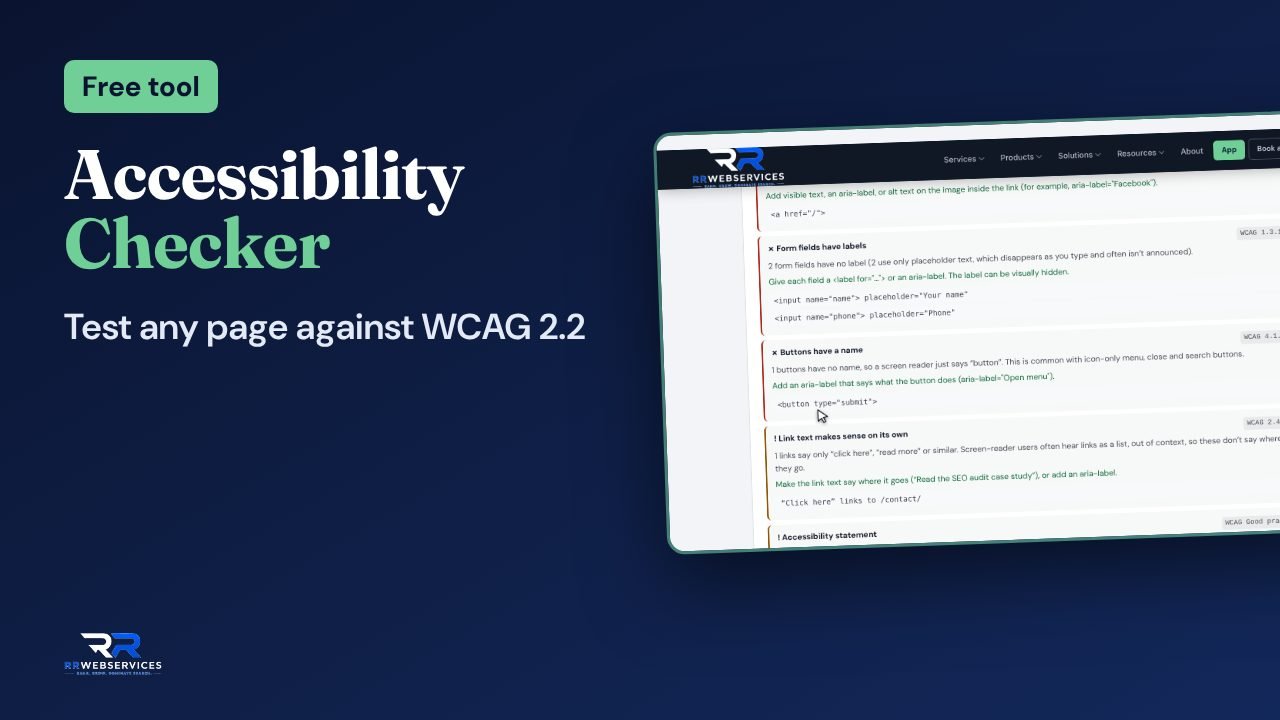
- WCAG 2.2 accessibility tests
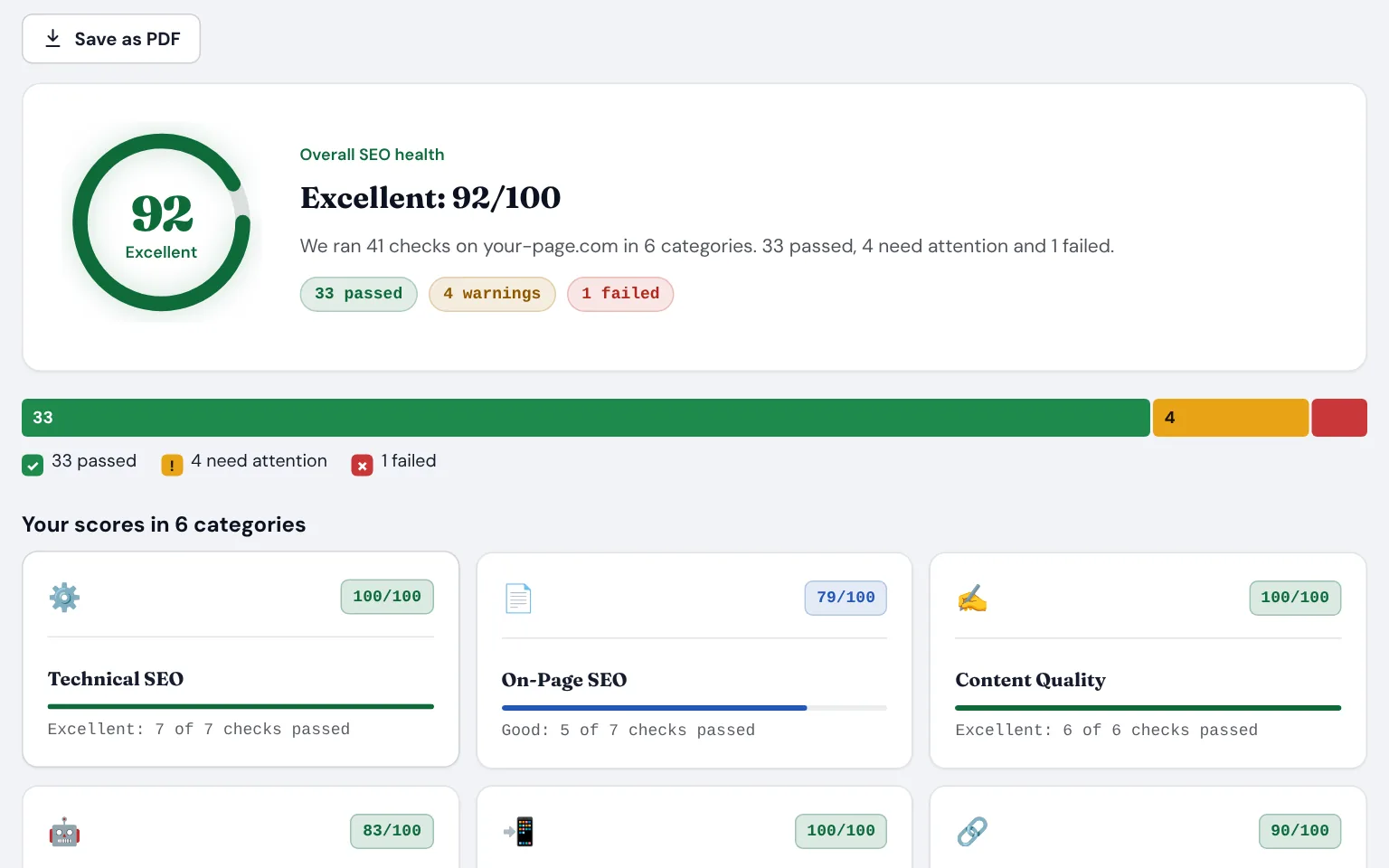
What audits usually find
Most of it is quick to fix. The hard part is knowing it’s there and what to do first.
Missing basics
Problems you can’t see
Barriers for disabled visitors
A list with no order
The free tools for site audits
Start with the Full page check. It runs the other checks together and puts every fix in one list.
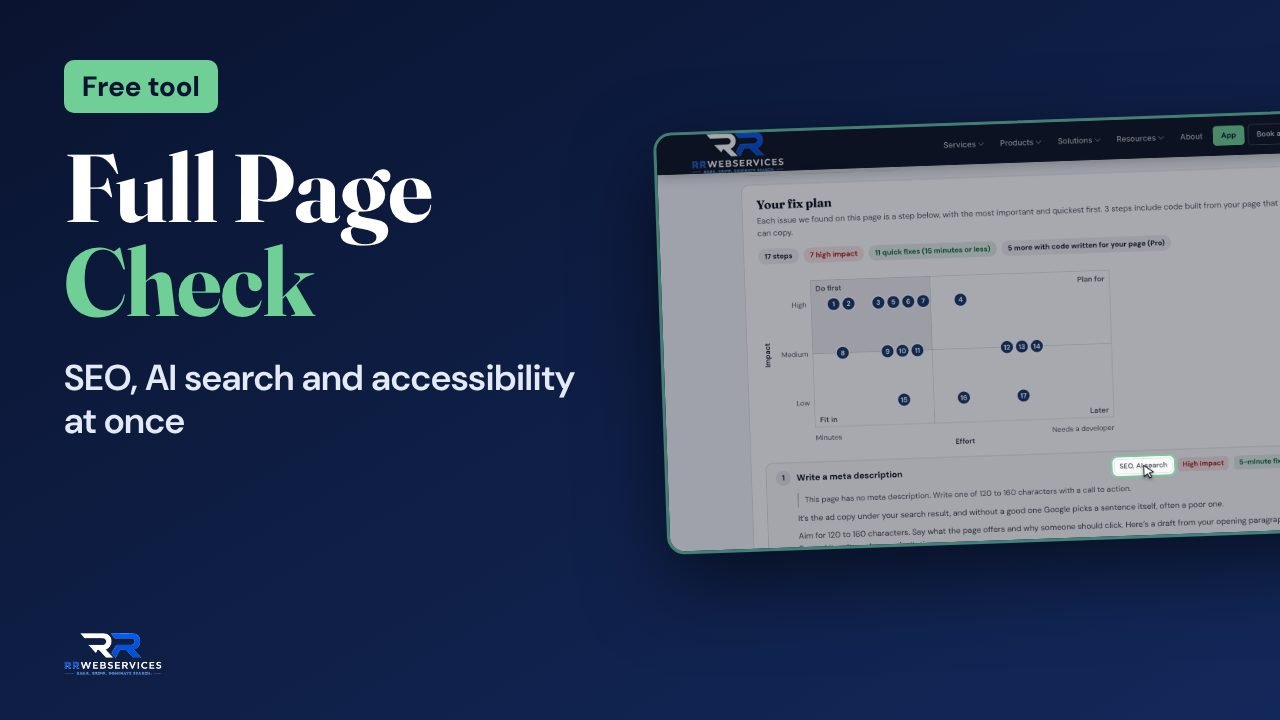
Also useful here: Render Analyzer and AEO Analyzer.
Audit a page in this order
Check your most important page
Run the Full page check on your homepage or your best service page. It runs the SEO, AI search and accessibility checks together.Go deeper where it’s weakest
Open the full report for the lowest score: the SEO Health Dashboard, the AEO Analyzer or the Accessibility Checker.Fix from the top
Both reports list the fixes in order. Make the first 3 or 4, then check again.Then check the rest
Repeat for your other key pages. The free app keeps every report, so you can compare them later.
Read the guides
Reading an audit report
A quick audit or a full one?
Why audits don’t lead to results
Want it done for you?
The free tools check one page at a time. These cover your whole site.
SEO Clarity report
Accessibility audit and fix
SEO SOS
Site audit questions
The free tools check one page at a time. The SEO Clarity report ($497) covers your whole site, adds keyword gaps and local visibility, and comes with a 30-day plan written by a person.
No tool can do that on its own. Automated checks catch many common problems, but some can only be found by a person using a keyboard and a screen reader. Fix what the checker finds, then test by hand or have us audit it.
No. An overlay adds a toolbar on top of the site and leaves the code as it was, and sites with overlays still get sued. Fixing the templates is the fix that lasts.
After every redesign or big content change, and every 3 months otherwise. Small problems creep back in as pages get edited.
Check your most important page now. It takes about 10 seconds.