
Find what stops Google
from reading your pages.
Plenty of problems that look like content problems start lower down: a blocked folder, a redirect loop, text that only appears after JavaScript runs. These free tools check each layer and tell you what to change.
- No sign-up
- Corrected files to copy
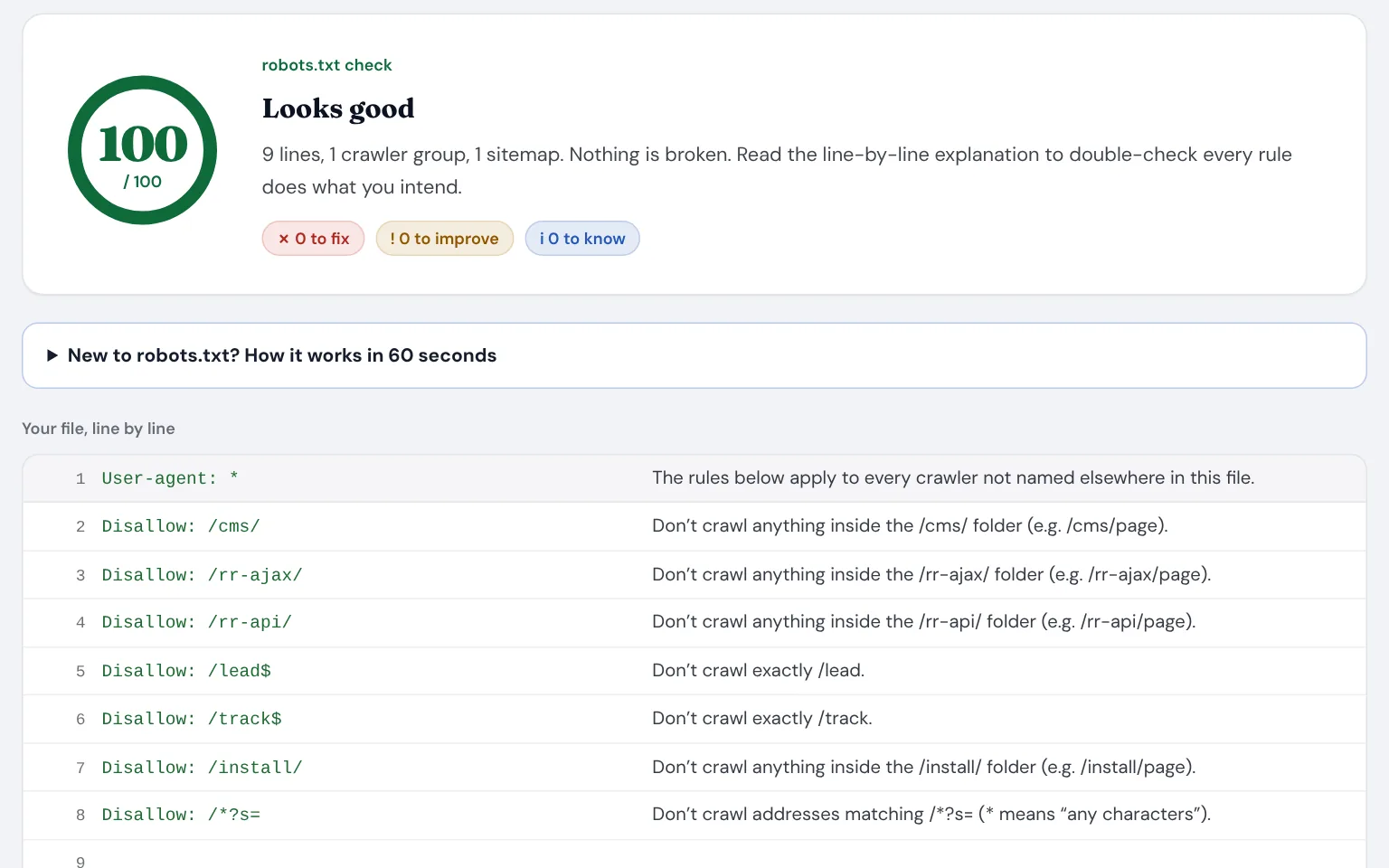
Where technical problems hide
None of these show up when you look at your site in a browser. That’s why they can go unnoticed for months.
robots.txt blocks more than you meant
Redirects that chain or loop
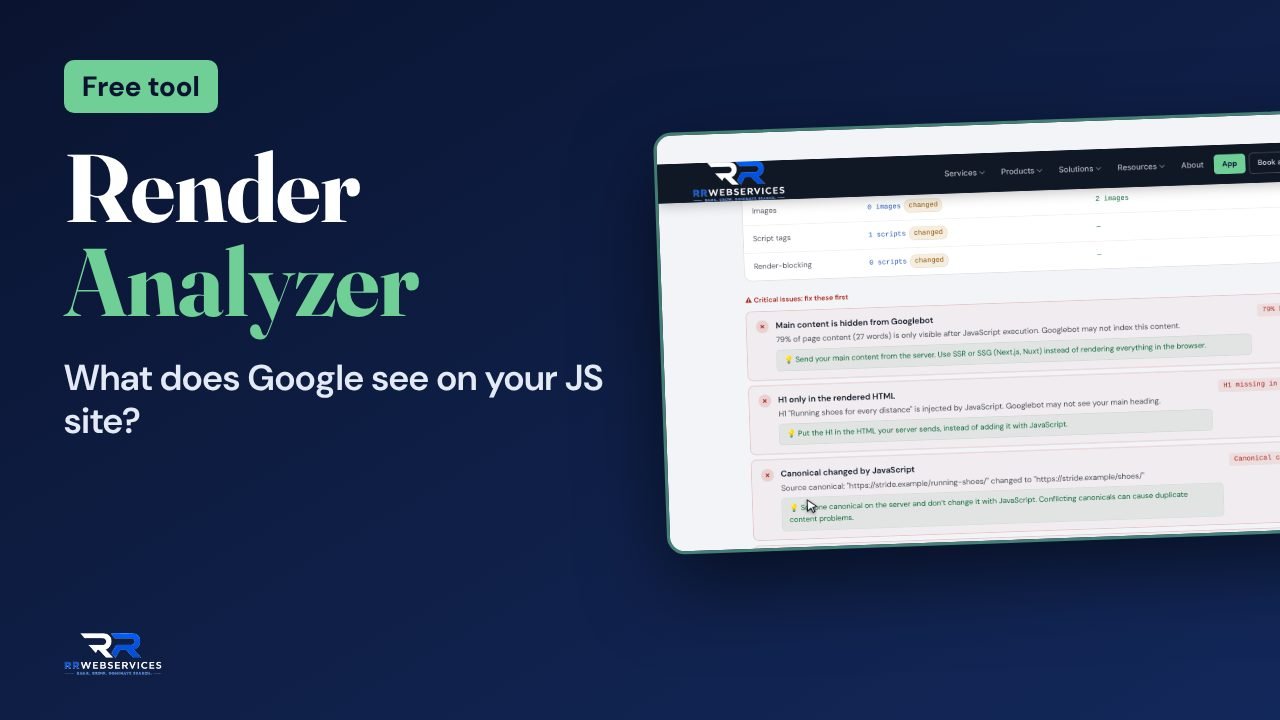
Content Google never sees
Pages too heavy to load fast
The free tools for technical SEO
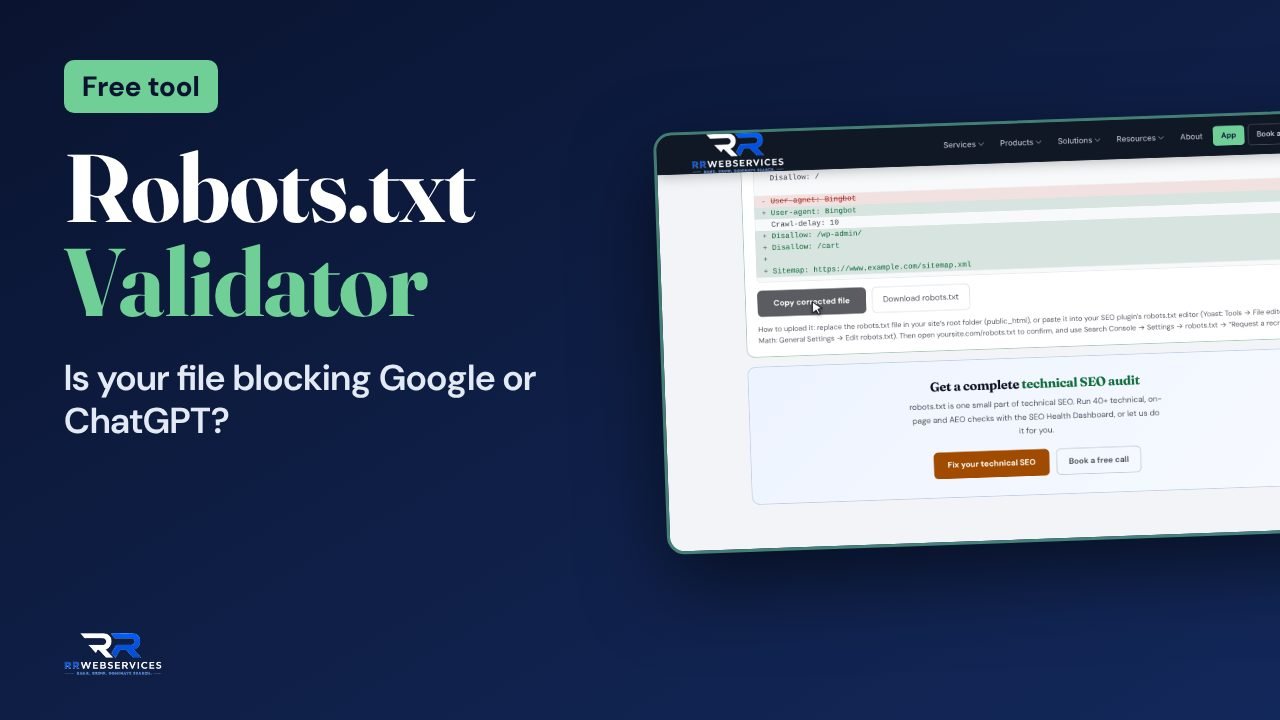
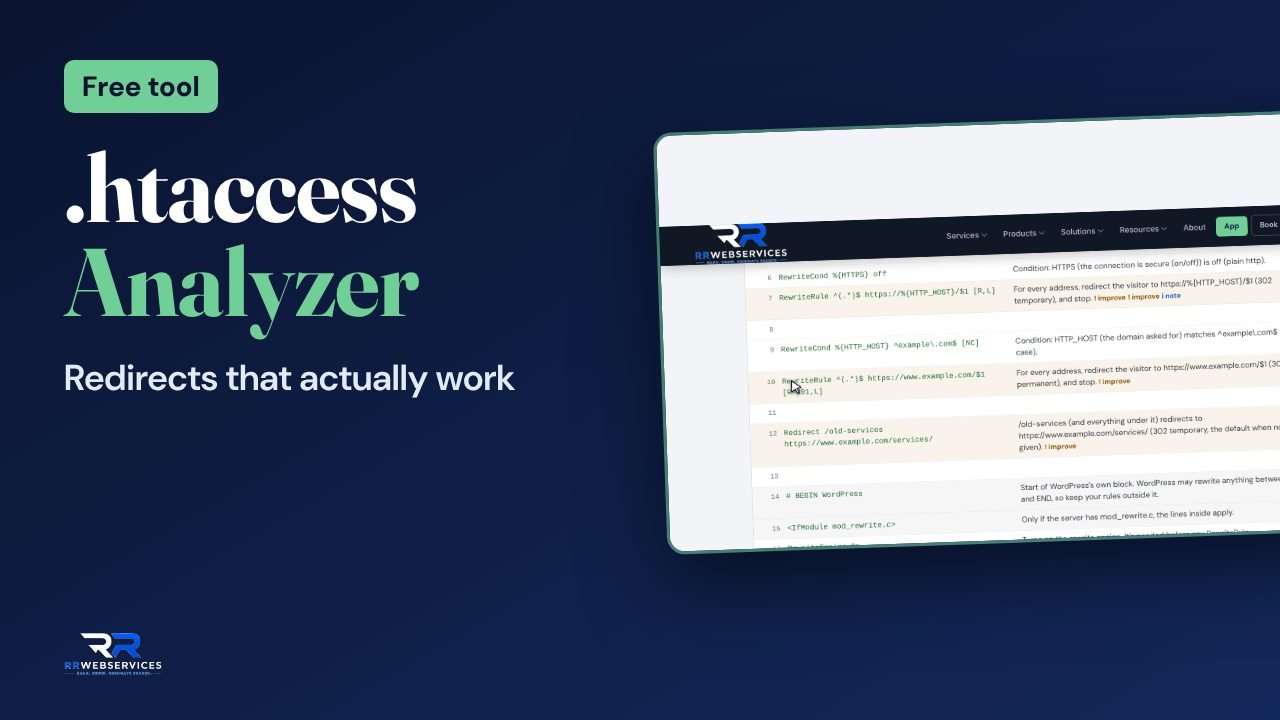
Paste a file or a page and get the result in seconds. Each result says what to change, and some give you a corrected file.
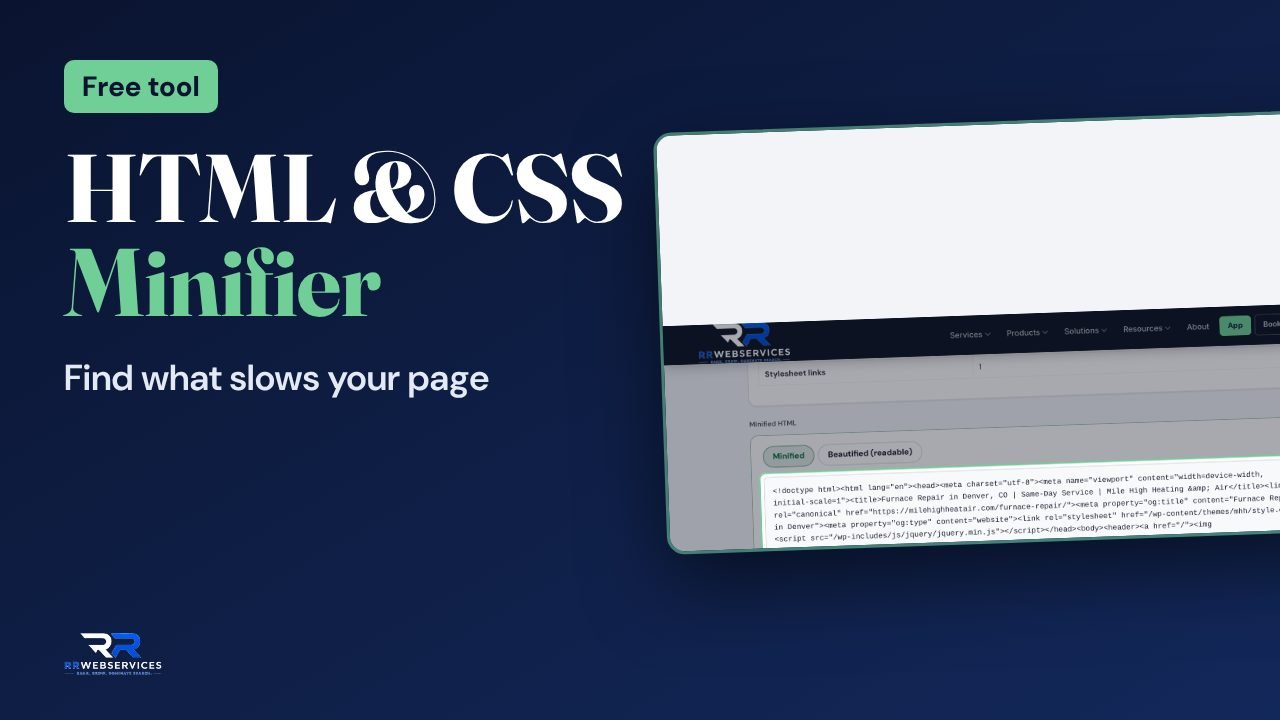
Also useful here: SEO Health Dashboard.
Check your site in this order
Check the crawl rules
Paste your robots.txt into the validator. Fix anything that blocks pages you want found, and make sure it lists your sitemap.Check the redirects
Paste your .htaccess file into the analyzer and test your key addresses. Every old address should reach its new page in one hop.Check the rendering
Run the Render Analyzer on a page that matters. Move anything that only appears after JavaScript into the HTML.Trim the page
Run the HTML & CSS Analyzer and remove what the page never uses. Then check the whole page with the SEO Health Dashboard.
Read the guides
Crawl budget
Core Web Vitals audit
Reading a technical audit
Want it done for you?
Some fixes are copy and paste. Others need someone who can change your templates and server setup. That’s the work we do.
Technical SEO
Core Web Vitals rescue
SEO-safe site migration
Technical SEO questions
Each tool checks one layer, on one page or one file. A full audit crawls the whole site and connects the problems, for example a redirect rule behind a drop in indexed pages. Start with the tools. If the results don’t explain what you see in Search Console, an audit will.
Not always. The Robots.txt Validator and the .htaccess Analyzer give you a corrected file to copy. Rendering and speed fixes usually need someone who can edit your theme or templates.
Yes. The .htaccess Analyzer works in your browser. The file isn’t sent to our server or stored.
After any redesign, platform move, new plugin or new redirect rules, and once a quarter otherwise. Most technical problems arrive with a change somebody made.
The SEO Health Dashboard checks the server, crawl rules, schema and AI crawler access, and puts the fixes in order.