

Why your site’s performance matters more than ever
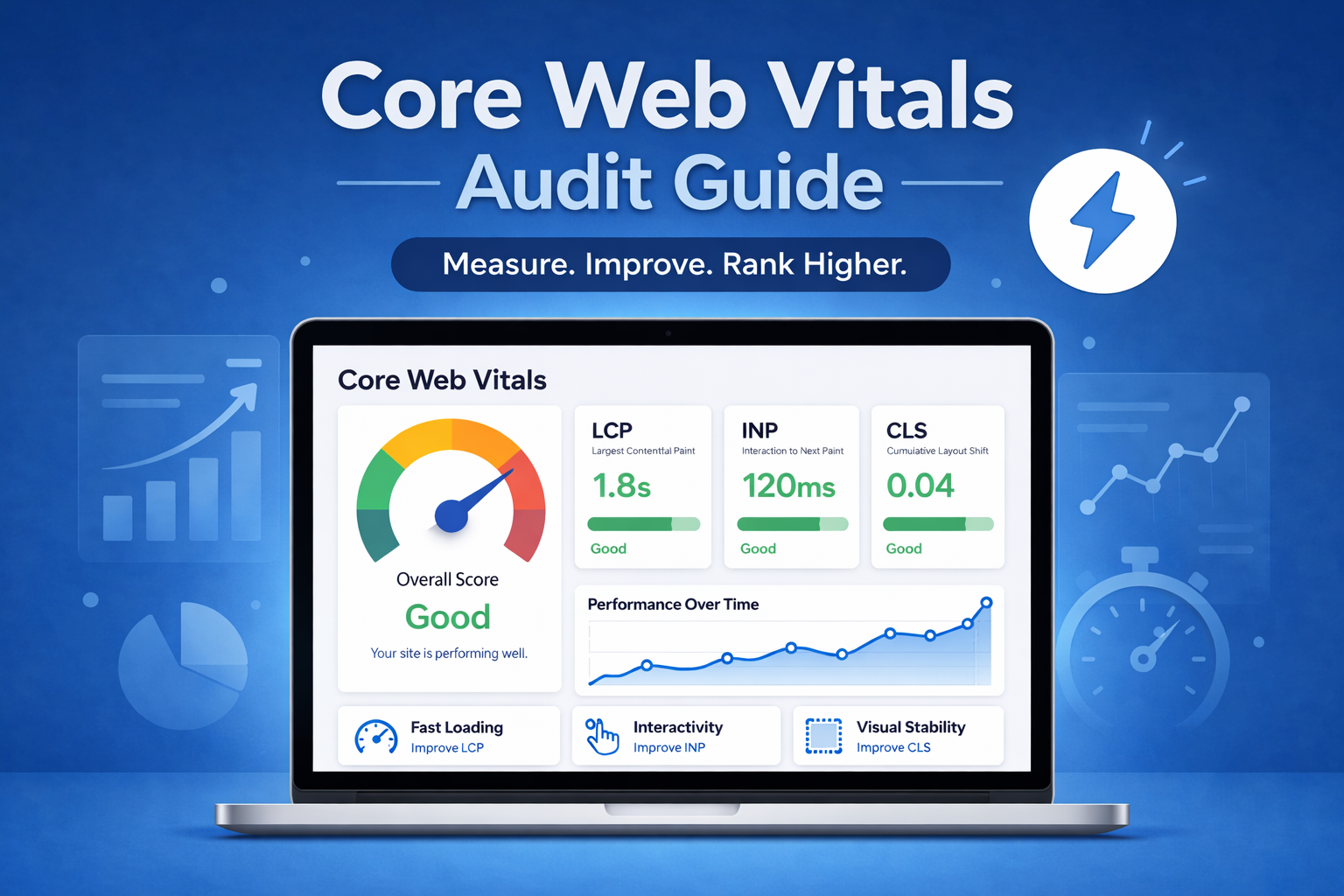
Google’s Core Web Vitals remain one of the most important technical SEO factors. They shape how users experience your site and how search engines rank it.
Fast, stable, and responsive pages are essential for visibility, conversions, and trust. A slow or unstable website can lose rankings, frustrate users, and erode credibility, even if your content is excellent.
At RR Web Services, we help businesses improve performance from the inside out, combining data-driven audits with technical precision so your site meets (and exceeds) Google’s Core Web Vitals standards.
What are Core Web Vitals?
Core Web Vitals are Google’s set of standardized performance metrics that measure how fast, stable, and responsive a page feels for real users.
These metrics help evaluate user experience in three key areas:
| Metric | What It Measures | Ideal Threshold |
|---|---|---|
| LCP (Largest Contentful Paint) | How fast your page’s main content loads. | ≤ 2.5 seconds |
| INP (Interaction to Next Paint) | How quickly your site responds to user interactions. (Replaces FID as of March 2024) | ≤ 200 milliseconds |
| CLS (Cumulative Layout Shift) | How visually stable your layout remains as elements load. | ≤ 0.1 |
Each metric represents a real-world aspect of performance. Together, they define whether users experience your site as fast, smooth, and stable.

Why Core Web Vitals matter for SEO
Google considers Core Web Vitals as part of its Page Experience ranking system, meaning performance directly impacts how your pages appear in search results.
Core Web Vitals also correlate strongly with user engagement, dwell time, and conversions.
-
Faster pages = lower bounce rates.
-
Stable layouts = higher interaction.
-
Responsive experiences = more completed conversions.
As Google’s documentation notes, “Good Core Web Vitals are essential to providing a quality experience across all devices.” Today, that experience-first approach defines technical SEO success.
How to run a Core Web Vitals audit (step by step)
A proper Core Web Vitals audit combines both field data (real user metrics) and lab data (simulated testing). Here’s how to do it right:
1. Collect real-user data
Start with the Chrome User Experience Report (CrUX) or Google Search Console’s Core Web Vitals report. This reveals how your real visitors experience your site.
2. Perform lab testing
Use Google Lighthouse or PageSpeed Insights to run simulated tests.
Compare field vs. lab data to identify discrepancies (for instance, slow performance on mobile but not desktop).
3. Identify problem areas
Flag URLs or templates with poor LCP, INP, or CLS scores.
Segment results by device type to understand specific pain points.
4. Analyze patterns
Group URLs by issue type, for example pages slowed by large images or unstable ad placements.
5. Prioritize fixes
Document your findings with severity and effort levels. Our guide on how to read a technical SEO audit report shows how to rank issues so the important ones get fixed first.
Common Core Web Vitals issues (and how to fix them)
1. Improving Largest Contentful Paint (LCP)
Problem: Slow server responses, large images, render-blocking scripts.
Fixes:
-
Use a fast CDN and optimized hosting.
-
Implement lazy loading for offscreen content.
-
Compress and serve images in next-gen formats (WebP, AVIF).
-
Inline critical CSS to speed up rendering.
2. Reducing Interaction to Next Paint (INP)
Problem: Slow JavaScript execution or main-thread blocking tasks.
Fixes:
-
Minimize JavaScript bloat; use code splitting.
-
Defer non-critical scripts.
-
Use browser APIs like
requestIdleCallback()for secondary tasks. -
Prioritize visible content interaction responsiveness.
3. Minimizing Cumulative Layout Shift (CLS)
Problem: Elements like ads or images shifting during load.
Fixes:
-
Define explicit size attributes for images and videos.
-
Avoid inserting dynamic content above existing content.
-
Use reserved space for ads and embeds.
-
Implement font-display: optional to avoid layout jumps.
Best tools for Core Web Vitals audits
| Tool | Use Case | Benefit |
|---|---|---|
| Google PageSpeed Insights | Quick overview combining field + lab data | Free, direct from Google |
| Search Console | Field data at scale | Tracks site-wide trends |
| Lighthouse (in Chrome DevTools) | Local lab analysis | Offers detailed diagnostics |
| WebPageTest.org | Deep performance metrics | Visual waterfall loading view |
| Looker Studio Dashboards | Custom visualization | Monitor changes over time |

How to measure success after optimization
Once you implement fixes, performance improvements should be measurable within a few weeks. Track progress through:
-
Improved LCP/INP/CLS scores in Search Console.
-
Higher engagement metrics (time on page, lower bounce rate).
-
Increased organic traffic and conversions.
To check where your own site stands, you can use our free SEO Health Dashboard, and if the numbers are poor, Core Web Vitals Rescue is built to fix them.
At RR Web Services, we combine technical audits with business KPIs, so your Core Web Vitals improvements translate into real ranking and ROI gains. You can learn more about our Technical SEO Services.
How Core Web Vitals fit into a complete SEO strategy
While Core Web Vitals directly affect user experience, they also influence crawl efficiency, indexation, and content visibility. Slow pages use up crawl resources, which is one reason search engines ignore your best pages.
Pairing a Core Web Vitals audit with an SEO Clarity audit gives a complete view: it shows what slows you down and also why.
Our integrated process focuses on:
-
Technical audits for speed and structure.
-
Schema validation for clarity.
-
Internal linking audits for crawl flow.
-
Entity-based trust signals for better visibility.
RR Web Services’ approach to Core Web Vitals optimization
At RR Web Services, we use an engineering-led process to ensure performance improvements deliver business value.
Our audit process includes:
-
Deep crawl and field data analysis.
-
Template-level issue mapping.
-
Developer collaboration for fixes.
-
Validation and tracking over time.
Example: A B2B client in Canada reduced their LCP from 4.8s to 2.1s and saw a 27% uplift in organic leads within two months.
See how our Technical SEO Services improve both performance and profitability.
Faster, stable, and ready for search
Core Web Vitals are the foundation of user experience and ranking success.
By auditing, optimizing, and tracking your site’s performance, you meet Google’s standards and give users the fast, stable pages they expect.
If you’re ready to find out what’s slowing your growth, request an SEO Clarity audit. It’s the fastest way to diagnose and fix what truly matters for performance and visibility.
