
Tell Google and AI tools
exactly what your page is.
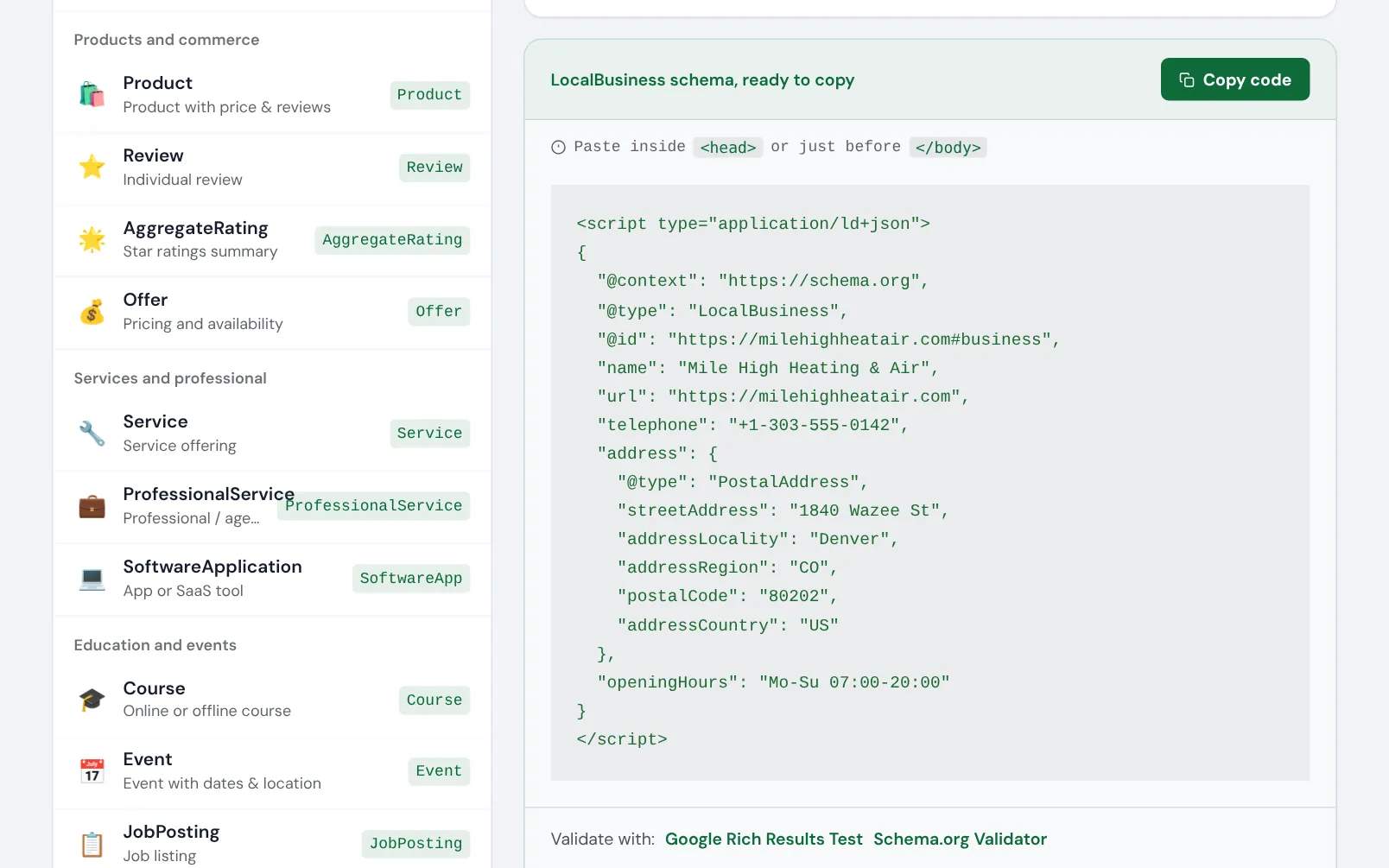
Schema markup is a few lines of code that say what a page is about: your business, a service, a product, an article, the questions it answers. Without it, search engines and AI assistants work it out from the text, and they sometimes get it wrong.
- 29 schema types
- Valid JSON-LD to copy
Common schema problems
Most sites we check have one of these. Each one means Google or an AI tool knows less about the page than it could.
There’s no schema at all
The schema says what the page doesn’t
Every page tells a different story
Hand-written schema that breaks
The free tools for schema
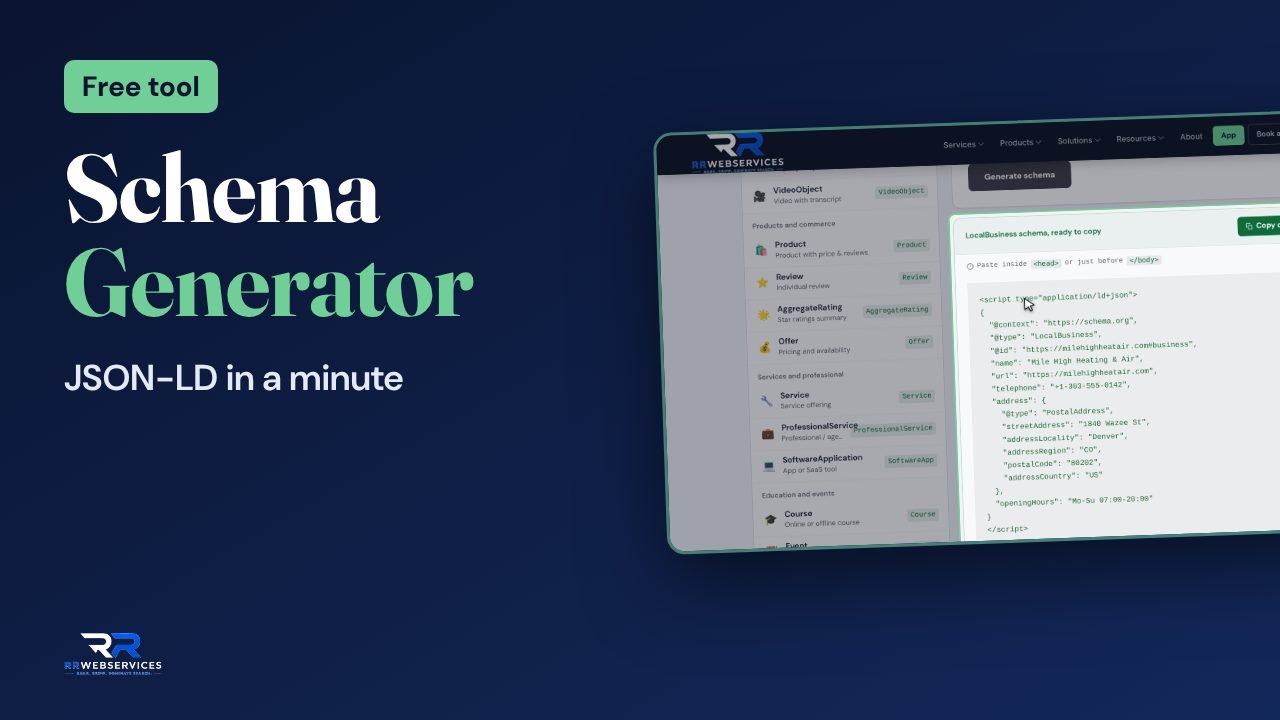
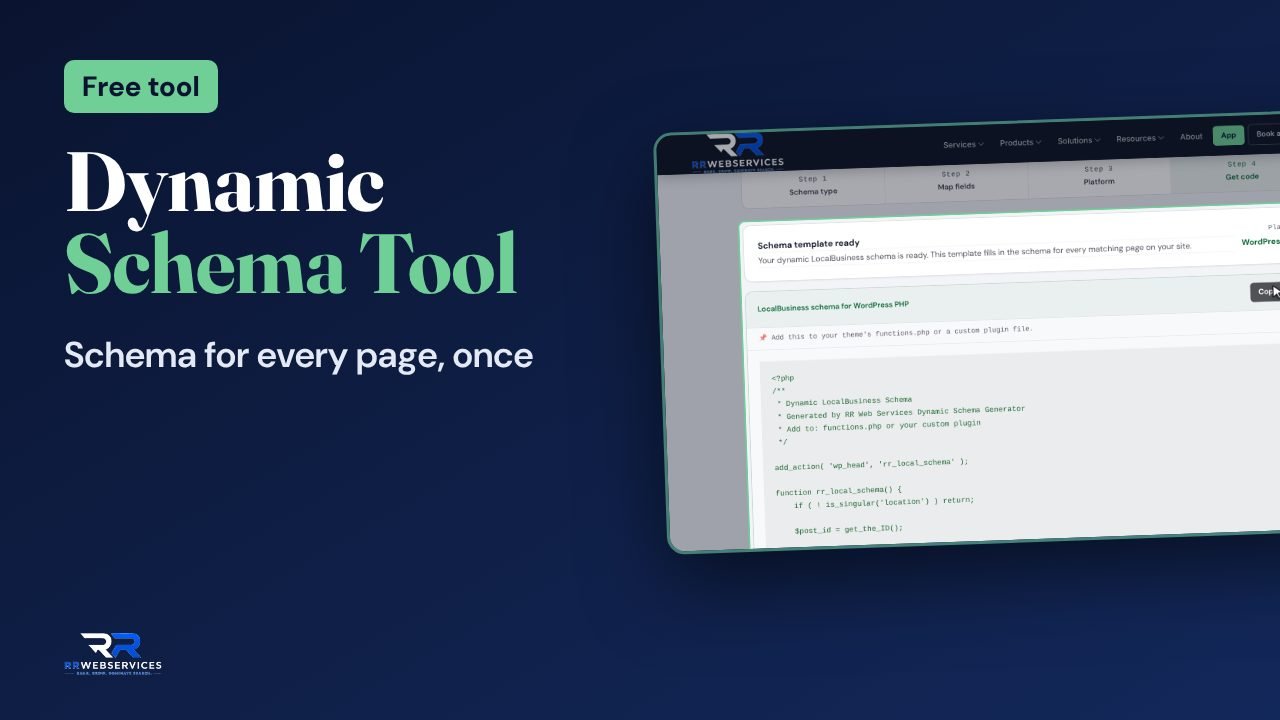
One writes schema for a single page. The other builds templates that fill themselves in across a large site.
Also useful here: SEO Health Dashboard and AEO Analyzer.
Add schema in this order
Pick the types
Start with Organization, or LocalBusiness if you serve an area, on the homepage. Then add the type that fits each page: Service, Product, Article or FAQPage.Generate it
Fill in the Schema Generator’s form. It writes valid JSON-LD to paste into the page’s head section.Use templates on large sites
The Dynamic Schema Generator builds one template per kind of page that pulls its values from your CMS, so the schema stays right as content changes.Check it
Run the page through the SEO Health Dashboard, or Google’s Rich Results Test, to confirm it reads without errors.
Read the guides
Schema for AI visibility
FAQ rich results
Want it done for you?
We can write the schema for every page type on your site and connect it into one picture of your business.
AI search readiness
Technical SEO
SEO Clarity report
Schema questions
Not directly. Google says structured data helps it understand a page and makes the page eligible for rich results, such as stars, prices and breadcrumbs, which can bring more clicks. AI tools also use it to confirm facts about your business.
Google now shows FAQ rich results for very few sites. The markup still describes the questions a page answers, which helps AI tools, and it costs little to keep. Our guide on FAQ rich results covers what changed.
JSON-LD. It’s the format Google recommends, it sits in one block apart from your HTML, and it’s what both tools write.
Yes. The Schema Generator’s code goes in the head section of any site. The Dynamic Schema Generator has templates for WordPress, PHP, JavaScript and Google Tag Manager.
The SEO Health Dashboard reads the schema on any page and tells you what’s missing.