Can ChatGPT and Google’s AI
find and quote you?
Free tools that check whether AI search tools can reach your pages, understand who you are and quote what you say, then ask the assistants who they recommend. Below them is our full guide to AI search, step by step.
- No sign-up for a first check
- Checked against OpenAI, Anthropic, Perplexity and Google’s own documentation
Which check answers your question
Pick the question closest to yours. Each tool takes under a minute, and most need no sign-up.
| Your question | The tool | What you get |
|---|---|---|
| Can AI crawlers read my site? | Robots.txt Validator | Each AI crawler shown as allowed or blocked, and a corrected file |
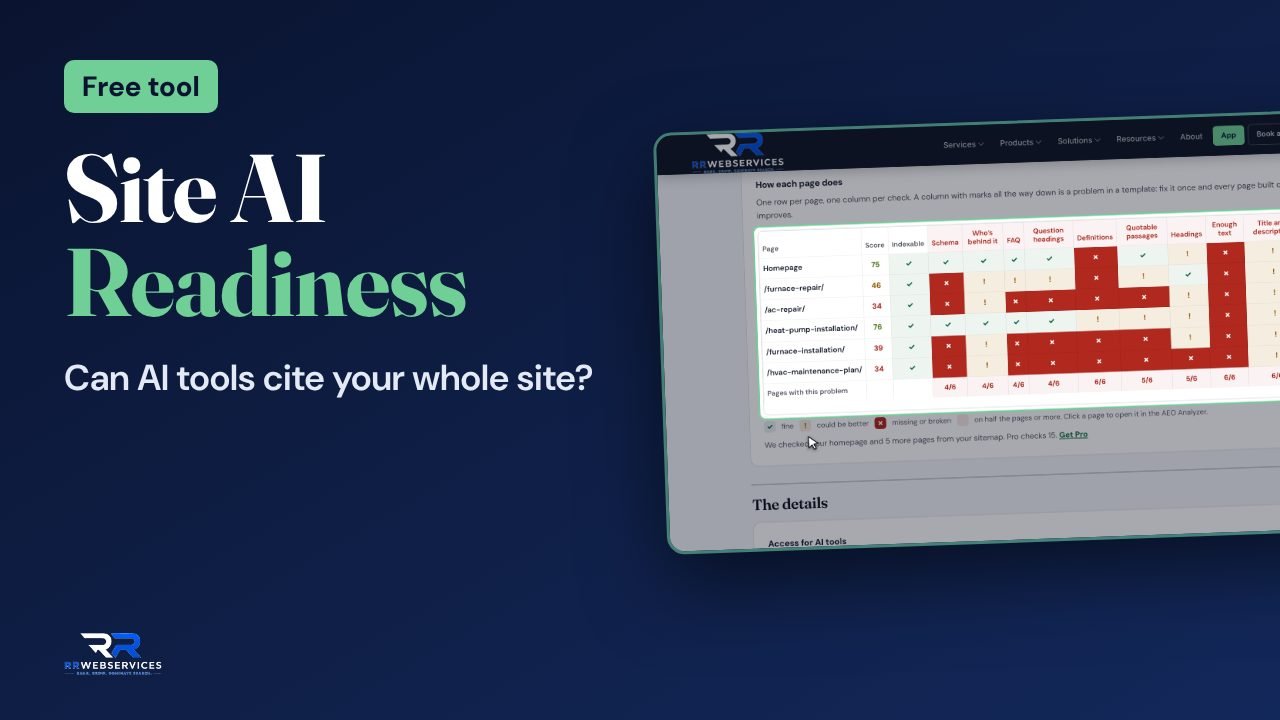
| Is my whole site ready for AI search? | Site AI Readiness Check | Crawler access, your business details and schema, and how quotable each page is |
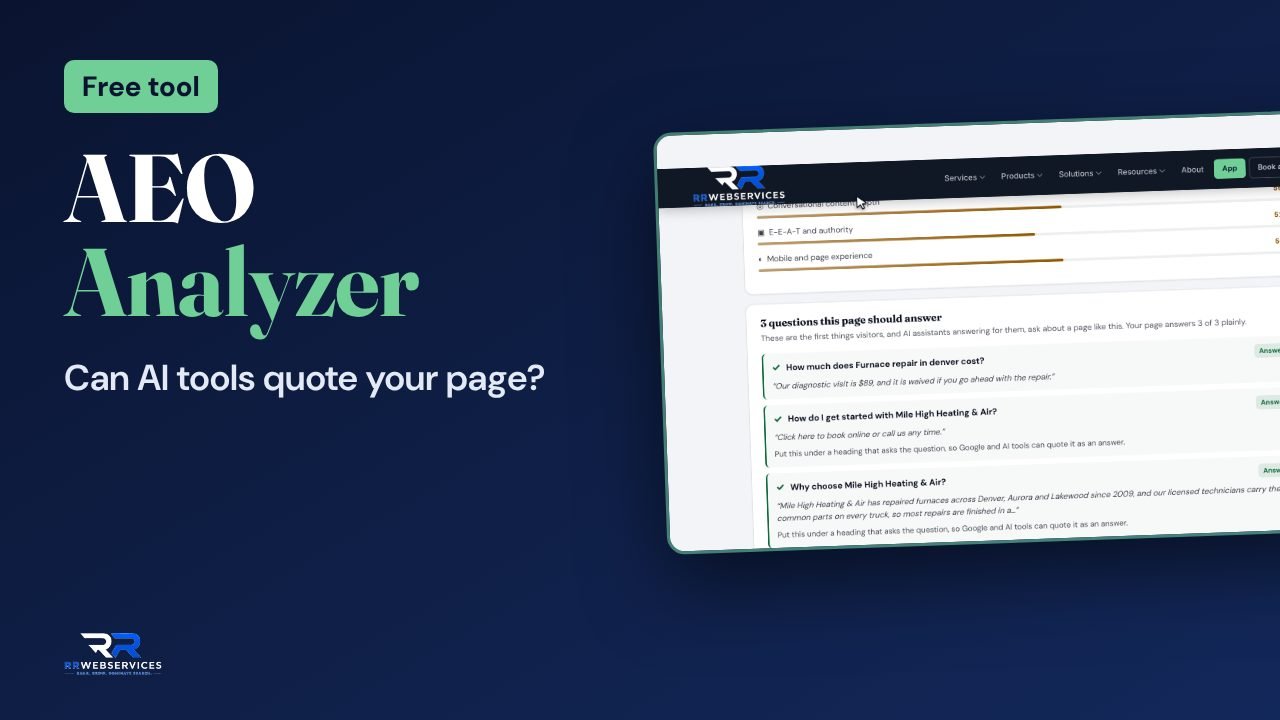
| Will AI tools quote this page? | AEO Analyzer | A score, the checks behind it and the fixes in order |
| Is my text hidden behind JavaScript? | Render Analyzer | What’s in the HTML and what only appears after scripts run |
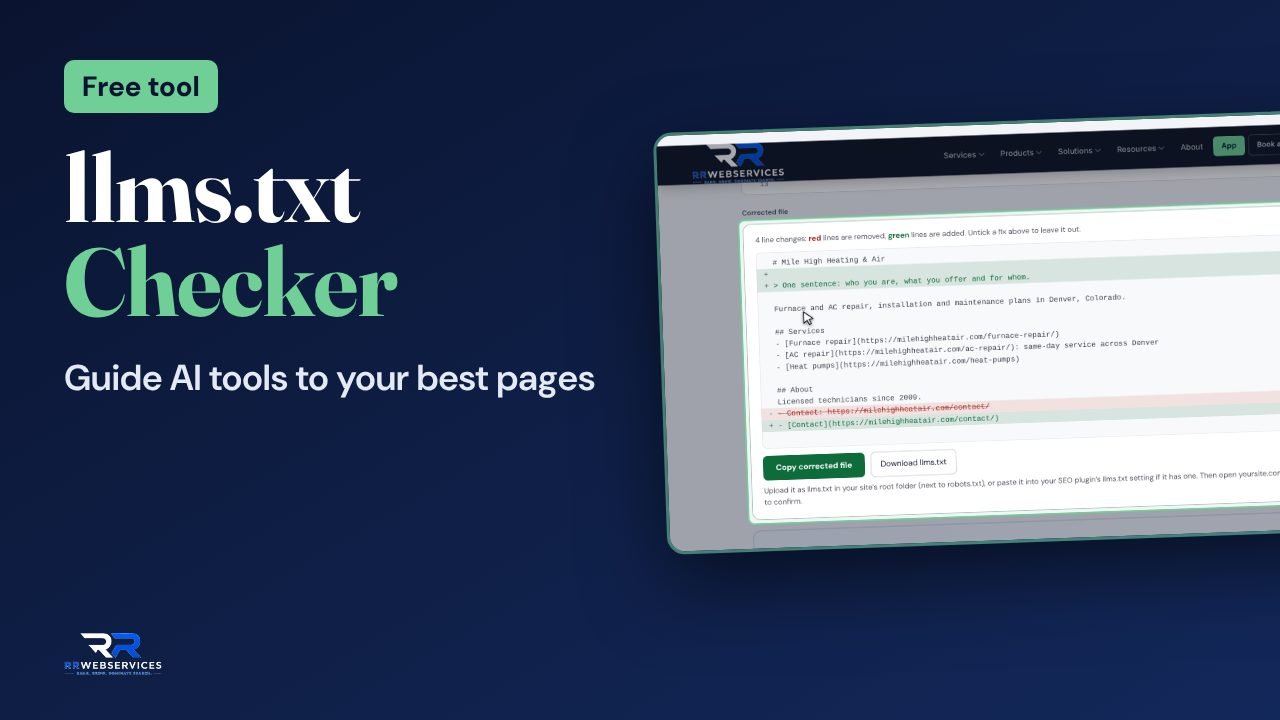
| Do I need an llms.txt, and is mine right? | llms.txt Checker & Generator | Your file checked line by line with its links tested, or a first draft |
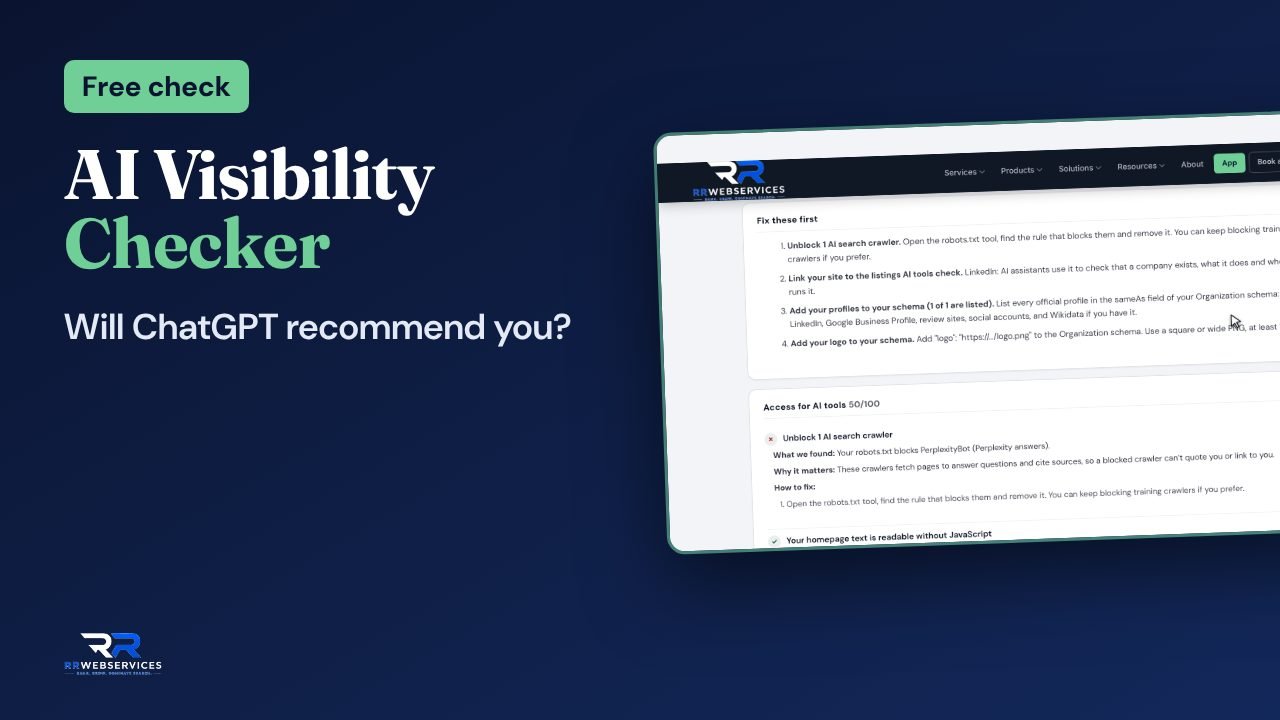
| Do assistants name my business? | AI Visibility Checker | Real answers from four assistants, who they name instead and what they cite |
| Does my schema say who I am? | Schema Generator | Organization or LocalBusiness JSON-LD to paste |
The free tools for AI search
Start with the Site AI Readiness Check for the whole picture, then go page by page with the AEO Analyzer.
Also useful here: Robots.txt Validator and Schema Generator.
How to get your site into AI answers
What each AI crawler does, what to allow, how to write pages that get quoted, and how to measure it. Every fact is linked to its source at the end.
How AI search finds the pages it cites
AI search tools answer a question first and show their sources second. Before an assistant can cite your page, three things have to be true: its crawler could fetch the page, it could read the text, and it judged the page a good source for that question. The free tools on this page check the first two directly and give you a score for the third.
There isn’t one “AI crawler”. Each company runs several, and they do different jobs. That matters because blocking the wrong one can take you out of AI answers without you noticing.
| Crawler | Company | What it’s for |
|---|---|---|
| OAI-SearchBot | OpenAI | Finds pages to show and cite in ChatGPT search |
| ChatGPT-User | OpenAI | Opens a page when a person asks ChatGPT to; not used for automatic crawling |
| GPTBot | OpenAI | Collects text that may be used to train OpenAI’s models |
| Claude-SearchBot | Anthropic | Indexes pages to improve Claude’s search results |
| Claude-User | Anthropic | Opens pages when people ask Claude questions |
| ClaudeBot | Anthropic | Collects text that may be used for training |
| PerplexityBot | Perplexity | Finds and links pages in Perplexity’s answers; Perplexity says it isn’t used for training |
| Perplexity-User | Perplexity | Fetches a page a person asked about |
| Googlebot | Google Search, which includes AI Overviews and AI Mode | |
| Google-Extended | Not a crawler but a robots.txt token: it controls use of your pages for training and grounding in some of Google’s other AI systems, such as Gemini |
Google’s AI features work differently from the others. AI Overviews and AI Mode use the normal Google index. Google’s own documentation says a page can be shown as a supporting link if it is indexed and eligible to show a snippet, and that there are “no additional technical requirements.” So for Google, AI search readiness is mostly ordinary SEO done well.
Let the right crawlers in
Start here, because nothing else matters if the crawler can’t fetch the page. Check two places.
Your robots.txt
Many files block AI crawlers by accident, through an old rule copied from a plugin or a “block all bots” line added during a redesign. The choice most businesses want is to be found and cited, but not used for training. That looks like this:
# Let AI search tools find and cite the site
User-agent: OAI-SearchBot
Allow: /

User-agent: Claude-SearchBot
Allow: /

User-agent: PerplexityBot
Allow: /

# Keep pages out of model training
User-agent: GPTBot
Disallow: /

User-agent: ClaudeBot
Disallow: /

User-agent: Google-Extended
Disallow: /
Blocking Google-Extended doesn’t affect Google Search or AI Overviews. Never block Googlebot to stay out of AI Overviews: it removes you from Google Search as well. If you want to limit what Google shows from a page, its documentation points to nosnippet, data-nosnippet and max-snippet instead.
Changes aren’t instant. OpenAI says its search systems take about 24 hours to pick up a robots.txt change, and Perplexity says up to 24 hours.
Your firewall or CDN
Some CDNs and hosting firewalls have their own switches for blocking AI crawlers. When one of those is on, the crawler is turned away before it ever reads robots.txt, so robots.txt can say “allowed” while nothing gets through. If your robots.txt is right and AI tools still can’t see your pages, check your host’s or CDN’s bot settings.
The Robots.txt Validator shows each AI crawler as allowed or blocked and writes a corrected file. The Site AI Readiness Check also fetches your pages the way the crawlers do, so it catches firewall blocks that robots.txt can’t show.
Make sure the text is in the HTML
Google renders JavaScript before it indexes a page, although the page can wait in a rendering queue first. Most AI crawlers don’t. Vercel looked at crawler traffic across its network and found that GPTBot, ClaudeBot and PerplexityBot download script files but never run them. If your prices, service descriptions or reviews are added by JavaScript after the page loads, those crawlers see an empty space where that text should be.
Two quick ways to tell:
- Open the page, choose View Source (not Inspect) and search for a sentence from the middle of the page. If it isn’t there, it’s added by JavaScript.
- Run the page through the Render Analyzer. It compares the HTML your server sends with the page after JavaScript runs, and lists the headings, text and links that only exist in the second one.
The fix is to send that content in the first HTML response, by server-side rendering or pre-rendering the page. On most CMS sites the main text already is in the HTML, and the risk is in widgets: review carousels, pricing tables and FAQ accordions that load their content from somewhere else.
Write pages that can be quoted
Nobody outside the AI companies knows exactly how they choose sources, and their methods change. What we can do is look at the pages that do get cited and see what they have in common. Across the sites we check, the same patterns come up again and again:
- The answer comes first. The first two sentences under a heading answer the question in that heading. The background comes after.
- Headings are questions or plain labels. “How much does furnace repair cost in Denver?” is easier to match to a question than “Our pricing philosophy”.
- Each passage stands on its own. A paragraph that says “as mentioned above, this costs less” can’t be quoted on its own. One that names the thing and the figure can.
- Facts are specific and sourced. Prices, dates, numbers and named sources are easier to cite than general claims.
- Comparisons are in tables. A table of options, prices or features keeps related facts together.
- It’s clear who wrote it and when. A byline, the author’s role and a date the page was last checked. Google’s guidance on helpful content asks exactly these “who” questions.
The AEO Analyzer scores a page on these points, plus its schema and which AI crawlers may read it, and gives the fixes in order. Start with the 5 pages that bring you the most enquiries.
One warning: don’t rewrite pages into lists of questions and one-line answers for machines. Google’s guidance warns against content made mainly for search engines, and people still have to want to read the page.
Make it clear who you are
When an assistant recommends a business, it has to be sure which business it’s talking about. It gets that from your site and from what other sites say about you. Three things help it:
- The same details everywhere. Your business name, address, phone number and services should match on your site, your Google Business Profile and the directories you’re listed in. When they differ, an assistant has to guess, and it often picks a competitor it’s more sure about.
- An About page with real facts. When you started, who runs the business, where you work, what you do and don’t do. These are the facts assistants repeat.
- Organization or LocalBusiness schema. Structured data states your name, logo, address, contact details and your profiles on other sites (with
sameAs) in a form machines read without guessing.
Be realistic about schema. Google says no special structured data is needed to appear in AI Overviews or AI Mode. It’s still worth adding, because it removes doubt about who you are, and Google uses Organization and LocalBusiness markup for its own features. The Schema Generator writes both.
Here’s a minimal LocalBusiness example. Replace every value with your own, and only include details that also appear on the page:
<script type="application/ld+json">
{
  "@context": "https://schema.org",
  "@type": "HVACBusiness",
  "name": "Mile High Heating & Air",
  "url": "https://www.example.com/",
  "telephone": "+1-303-555-0100",
  "address": {
    "@type": "PostalAddress",
    "streetAddress": "100 Example St",
    "addressLocality": "Denver",
    "addressRegion": "CO",
    "postalCode": "80202",
    "addressCountry": "US"
  },
  "sameAs": [
    "https://www.facebook.com/example",
    "https://www.linkedin.com/company/example"
  ]
}
</script>llms.txt: what it is and what it isn’t
llms.txt is a proposal published by Jeremy Howard on 3 September 2024. It’s a Markdown file at the root of your site that gives AI agents a short, curated guide to your most useful pages, so they don’t have to work through every page’s HTML. Its main use is when an agent is helping someone in real time, not for training.
The format is simple: a heading with your name, a one-line summary in a blockquote, then sections of links with a short note on each. A section headed “Optional” holds links an agent can skip.
# Mile High Heating & Air

> Furnace and AC repair, installation and maintenance in Denver since 2009.

## Services
- [Furnace repair](https://www.example.com/furnace-repair/): same-day service
- [AC repair](https://www.example.com/ac-repair/): all brands

## Optional
- [Blog](https://www.example.com/blog/)
What it isn’t: a ranking signal, or a requirement. Google says you don’t need new machine-readable files to appear in its AI features, and OpenAI’s publisher FAQ doesn’t mention llms.txt. It takes about 10 minutes and does no harm, so we add one for clients, but don’t expect it to change much on its own. The llms.txt Checker & Generator builds a first draft from your sitemap or checks the file you have.
Measure what the assistants say
The only way to know whether AI tools recommend you is to ask them, and to keep asking. Answers change from one day to the next and with small changes in wording, so a single check tells you little. A useful routine:
- Write down 10 to 20 questions your buyers ask before they choose someone, such as “best emergency plumber in Aurora” or “who does commercial HVAC maintenance in Denver”. Leave your own name out of them.
- Ask each one in ChatGPT, Perplexity, Gemini and Claude. Note who is named, in what order, and which pages are cited.
- Repeat it once a month, with the same questions.
The AI Visibility Checker does this for you: it asks the assistants your questions, records who they name and which pages they cite, and puts you next to your competitors.
Where to see AI traffic
- Google Search Console counts clicks from AI Overviews and AI Mode in the Performance report under the “Web” search type. They aren’t shown on their own.
- Bing Webmaster Tools added an AI Performance report in February 2026, in public preview. It shows how often your pages are cited in Copilot and Bing’s AI answers, and which pages.
- Your analytics. OpenAI adds
utm_source=chatgpt.comto links from ChatGPT search, so those visits show up as their own source. Visits from perplexity.ai, gemini.google.com and claude.ai show as referrals.
What doesn’t work
- “AI schema”. There’s no special markup for AI answers. Use the same schema.org types you’d use for Google, and only for content that’s on the page.
- Blocking Googlebot to stay out of AI Overviews. It removes the page from Google Search too. Use the snippet controls instead.
- FAQ schema for rich results. Google stopped showing FAQ rich results on 7 May 2026. FAQ markup does no harm and Google says it still helps it understand a page, but it won’t give you the extra space in results.
- Pages written only for AI. Thin pages built around questions, with no real experience behind them, are what Google’s helpful content guidance describes as search-engine-first. They rarely get cited for long.
- Changing dates to look fresh. Google’s guidance names this specifically. Update the date when the content changed in a way that matters.
- Checking once. AI answers move. A business named today can be gone next month, and the reverse.
Sources
- AI features and your website, Google Search Central (updated 10 Dec 2025)
- Overview of OpenAI crawlers, OpenAI
- Publishers and developers FAQ, OpenAI
- Does Anthropic crawl content from the web, and how can site owners block the crawler?, Anthropic
- Perplexity crawlers, Perplexity
- How Google interprets the robots.txt specification, Google
- JavaScript SEO basics, Google Search Central (updated 4 Mar 2026)
- The rise of the AI crawler, Vercel (17 Dec 2024)
- Creating helpful, reliable, people-first content, Google Search Central (updated 5 Oct 2026)
- FAQ (FAQPage) structured data, Google Search Central
- The /llms.txt file, llmstxt.org
- Bing Webmaster Tools launches AI Performance reporting, Koozai (13 Feb 2026)
The short version: fix it in this order
Let the crawlers in
Run the Robots.txt Validator. Allow OAI-SearchBot, Claude-SearchBot and PerplexityBot, and check your firewall or CDN doesn’t block them.Put the text in the HTML
Run your key pages through the Render Analyzer. Anything that only appears after JavaScript runs is invisible to most AI crawlers.Make your key pages quotable
Run the AEO Analyzer on your 5 most important pages and make the first fixes it lists: the answer near the top, clear headings, specific facts.Say who you are
Keep your name, address and phone the same everywhere, and add Organization or LocalBusiness schema with the Schema Generator.Ask the assistants every month
Use the AI Visibility Checker with the same buyer questions each month, and watch who gets named.
Other free tools worth using too
Ours don’t do everything. These free tools from Google, Microsoft and Schema.org fill the gaps.
| Tool | What it adds | Use it for |
|---|---|---|
| Google Search Console | Google’s own data on your site, including clicks from AI Overviews and AI Mode (inside “Web”) | Checking a page is indexed, with URL Inspection |
| Bing Webmaster Tools | The AI Performance report: how often Copilot and Bing’s AI answers cite your pages | Seeing which pages get cited, and for what |
| Rich Results Test | How Google reads the structured data on one page | Testing schema before and after you publish |
| Schema Markup Validator | Checks any schema.org markup, not just the types Google uses | Organization details and sameAs links |
Read the guides
What answer engine optimization is
Schema for AI visibility
Writing for AI search
AI search readiness checklist
Want it done for you?
The tools show what’s wrong. If you’d rather not fix it yourself, this is what we offer.
AI search readiness
AI search visibility
SEO Clarity report
AI search questions
Mostly not. For Google’s AI Overviews and AI Mode, Google says a page only needs to be indexed and eligible for a snippet, with no extra requirements. Other assistants also cite pages they can fetch, read and trust. What’s new is the set of AI crawlers to allow, the fact that most of them don’t run JavaScript, and measuring how often assistants name you.
That depends on whether you want your content used to train OpenAI’s models. GPTBot collects training data; OAI-SearchBot finds pages for ChatGPT search. You can block the first and allow the second, so your pages stay out of training and can still be cited. Anthropic’s ClaudeBot and Claude-SearchBot split the same way.
No. Google-Extended controls the use of your content for training and grounding in some of Google’s other AI systems, such as Gemini. AI Overviews and AI Mode are part of Google Search and follow your Googlebot rules and snippet controls.
It’s a proposal from September 2024, and Google says you don’t need any new machine-readable files for its AI features. It takes about 10 minutes and does no harm, so it’s worth having, but don’t expect it to change much on its own.
Most likely they’re added to the page by JavaScript. Vercel’s study of crawler traffic found that GPTBot, ClaudeBot and PerplexityBot don’t run JavaScript. Check with the Render Analyzer, then have that content sent in the page’s HTML.
Crawler access changes are picked up within about a day: OpenAI says about 24 hours for search, Perplexity up to 24 hours. Changes in how assistants describe you take longer, often months, because they also go by what other sites say about you. Track it monthly with the same questions.
OpenAI adds utm_source=chatgpt.com to links from ChatGPT search, so in Google Analytics those visits show under that source. Clicks from Google’s AI Overviews and AI Mode are counted in Search Console under the Web search type, together with other Google results.
Yes. Most checks need no sign-up. The AEO Analyzer shows a preview first and the full report once you sign in with your email. Checks that ask AI assistants for answers use free monthly credits.
Ask ChatGPT, Perplexity, Gemini and Claude the questions your customers ask, and see who they recommend.