
Get more from the pages
you already have.
Free tools that turn your Search Console data into a plan: the pages to update first, the pages competing with each other, and the searches you’re close to winning. Below them is our guide to growing a site from the content it already has.
- No sign-up
- Works with a Search Console export or a direct connection
Which tool answers your question
Pick the question closest to yours. All three work from your Search Console data.
| Your question | The tool | What you get |
|---|---|---|
| Which pages should I update this month? | Content Refresh Planner | Pages ranked by the clicks within reach, the top ones checked, each with what to change |
| Are my pages competing with each other? | Content Cannibalization Checker | Overlapping pages, which one to keep, and redirects to copy |
| What does my Search Console export say? | GSC Data Interpreter | What changed, quick wins, losses, brand vs non-brand, mobile gaps and questions people ask |
| Will AI tools quote my updated page? | AEO Analyzer | How quotable the page is, and the fixes in order |
The free tools for content strategy
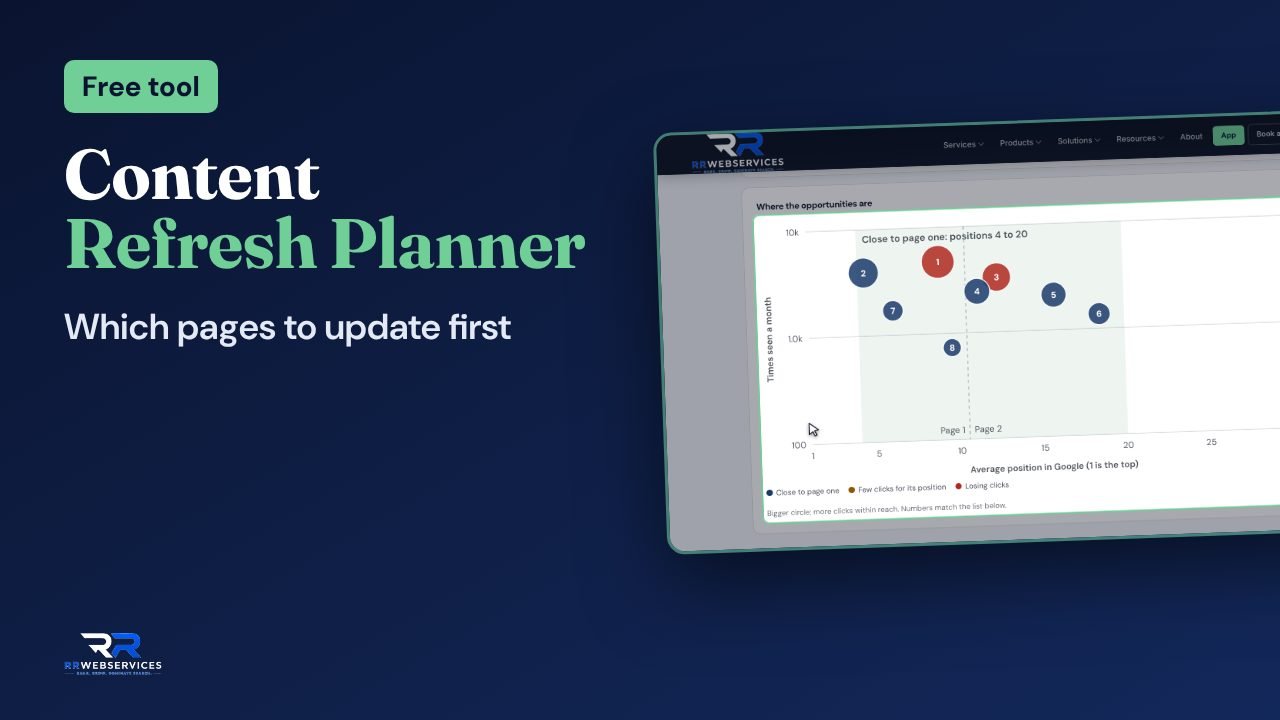
Start with the Content Refresh Planner. It reads your Search Console data and tells you which pages to work on first.
Also useful here: AEO Analyzer.
Grow traffic from the content you have
How to read Search Console as a plan, which pages to update, merge or remove, and how to stop your pages competing. Every fact is linked to its source at the end.
Start with the data you already have
Most sites with a year of content already have their best growth sitting in Google Search Console: searches they nearly rank for, pages that get seen and not clicked, and pages slowly losing ground. Working from that data beats guessing at new topics, because Google has already shown you where it’s willing to rank you.
What Search Console gives you
- Four numbers for every page and search: clicks, impressions (how often you were shown), CTR (clicks divided by impressions) and average position.
- 16 months of history, enough to compare this year with last and see seasonal patterns.
- A 1,000-row limit on exports from the report. Larger sites need the Search Console API, which returns up to 50,000 rows a day per site per search type.
- Some searches hidden. Google leaves out searches made by very few people, for privacy. They count in the chart totals but don’t appear as rows, which is why your rows never add up to the total.
How to export it
- In Search Console, open Performance, then Search results.
- Set the date range. The last 3 months is a good start; compare with the same months last year to rule out seasons.
- Choose Export at the top right. You get a file with tabs for Queries, Pages, Countries, Devices and Dates.
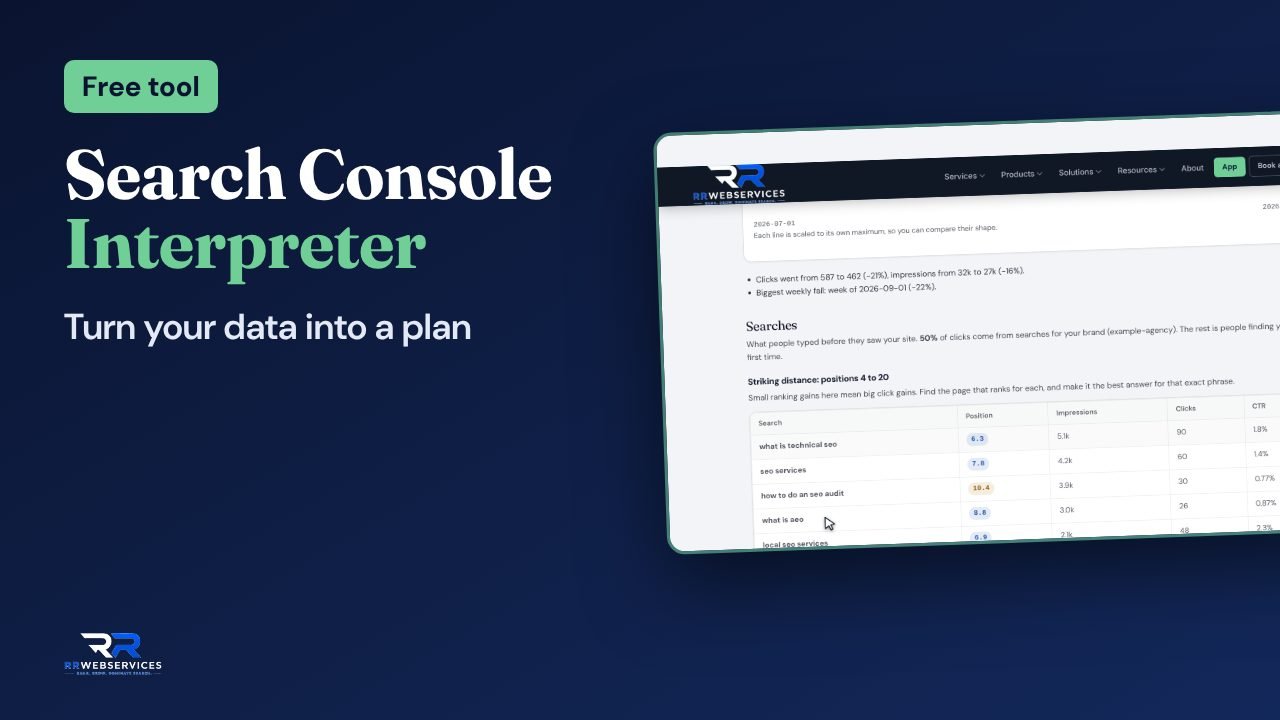
The GSC Data Interpreter reads that file in your browser and turns every tab into findings. The Content Refresh Planner takes the same data, or connects to Search Console directly, and ranks your pages by the clicks within reach.
Find the pages close to page one
The quickest wins are usually pages already ranking between about position 4 and 20 for searches people actually make. Google has decided they’re relevant. They just aren’t the best answer yet.
To find them by hand, filter the Pages or Queries tab to an average position between 4 and 20, then sort by impressions. The top of that list is where a better page earns the most.
What to change on them
- Answer the search better. Look at the pages ranking above yours. What do they cover that you don’t? What question do they answer in the first few lines?
- Bring it up to date. Old prices, dead links and last year’s rules are reasons to rank someone else.
- Link to it from your other pages. Pages with few internal links look less important. Link from related pages, with words that describe it.
- Check it matches the search. If the results are all guides and yours is a sales page, or the reverse, a rewrite won’t close the gap. The page type has to match.
Pages that get seen but not clicked
A page with plenty of impressions and few clicks for its position is losing visitors it has already earned. The cause is usually what shows in the result: a vague title, a description that doesn’t answer the search, or a page title that Google replaced with its own because yours didn’t match the page.
Compare the page’s CTR with what pages at that position usually get, and with your own pages at a similar position. Treat any typical rate as a rough guide: an AI Overview, ads or a map above you can lower clicks for every result. Rewrite the title and description to say plainly what the page offers for the main search it’s shown for, then compare the next four weeks with the four weeks before.
The Content Refresh Planner flags pages on page one that get well under the clicks pages at their position usually get, and checks the top ones for what to change.
Pages losing clicks
A page that’s losing clicks needs a diagnosis before a rewrite. Compare the last 3 months with the same 3 months a year earlier, so seasons don’t mislead you, then work out which of these it is:
| What you see | Likely cause | What to do |
|---|---|---|
| Position fell, impressions steady | Other pages now answer the search better | Study what ranks above you and improve the page |
| Impressions fell, position steady | Fewer people search for it, or it’s seasonal | Check Google Trends; usually nothing to fix |
| Clicks fell, position and impressions steady | The results page changed: an AI Overview, ads or other features above you | Make the result more worth clicking; look at what the page offers that a summary can’t |
| Everything fell at once, across many pages | A technical problem or a Google update | Check indexing and robots.txt first, then update dates |
| Another of your pages started ranking instead | Your pages are competing with each other | See cannibalization, below |
The GSC Data Interpreter lists the pages and searches losing the most clicks. For a drop across the whole site, start with the checks in our technical SEO tools.
Keyword cannibalization: when your pages compete
Cannibalization is when two or more of your pages target the same search, and Google keeps switching between them. Neither holds its place, and often both rank lower than one strong page would.
How to spot it
In Search Console, filter the Performance report to one search, then open the Pages tab. If several of your pages get impressions for it and their positions swap from week to week, they’re competing. Dates help: chart each page’s position for that search, and you’ll see them trade places.
When it isn’t a problem
- The pages serve different needs. A “furnace repair cost” guide and a “book furnace repair” service page can both rank for nearby searches.
- Both pages hold steady positions on page one.
- It’s your brand name. Several of your pages should rank for it.
How to fix it
- Pick the page to keep: the one closest to what the search wants, with the most links and history.
- Merge the useful parts of the other page into it.
- Redirect the old page to the one you kept, with a permanent (301) redirect.
- Update your internal links so they point straight to the page you kept.
If both pages need to stay, give each a clearly different job, and make the titles and headings say so.
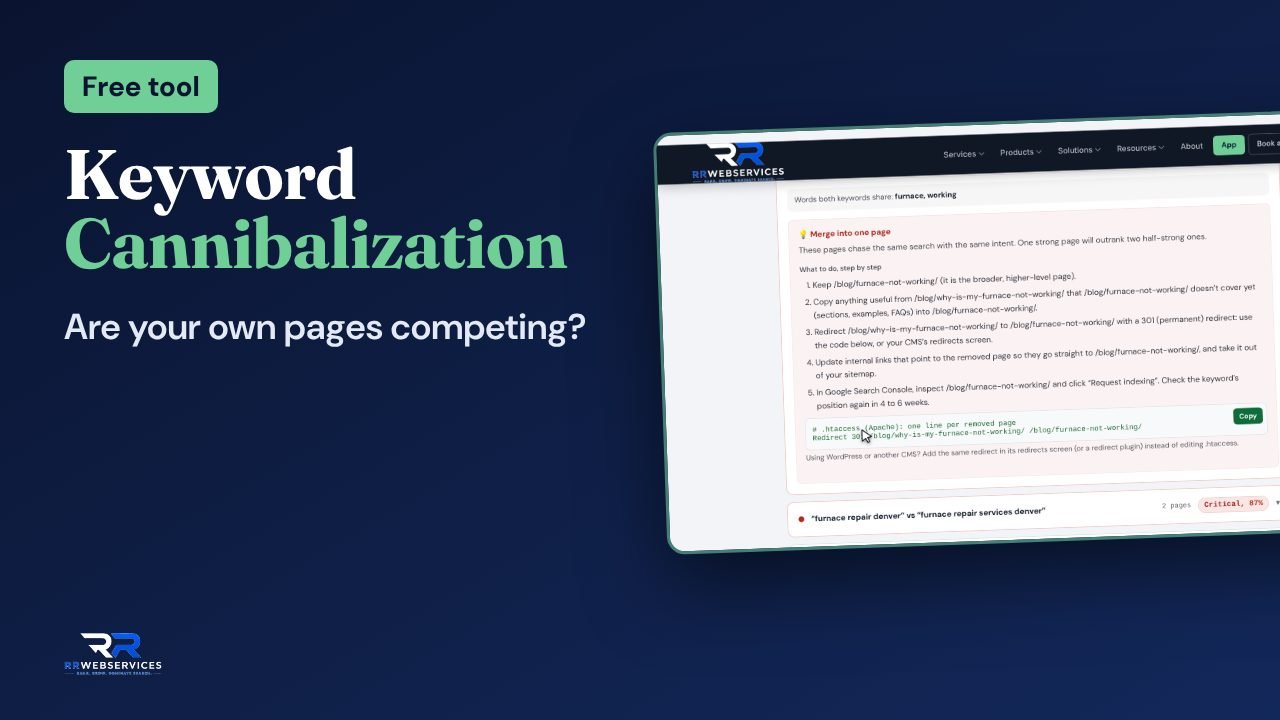
The Content Cannibalization Checker compares your pages’ target searches and page types, shows which overlap and by how much, says which one to keep, and writes the redirects.
Update, merge, remove or leave alone
Every page on your site is doing one of four jobs well or badly. A simple way to decide what to do with each:
| The page | What to do |
|---|---|
| Ranks well and gets clicks | Leave it alone apart from keeping facts current. Rewriting a winner is the most common way to lose traffic. |
| Near page one, or seen but not clicked | Update it: better answer, current facts, a sharper title, more internal links. |
| Competes with a stronger page of yours | Merge it into the stronger one and redirect. |
| Gets no visits, has no links, and serves no one | Remove it. Return 404 or 410, or redirect if a page truly replaces it. |
Two things Google’s guidance warns against
- Changing the date to look fresh. Google’s guidance on helpful content asks whether you’re changing dates when the content hasn’t substantially changed. Update the date when the page changes in a way that matters to the reader.
- Adding or removing content just for rankings. The same guidance asks whether you’re adding or removing large amounts of content mainly because you think it will help rankings, and answers its own question: “No, it won’t.” Remove pages because they serve no one, not because of a rule about page counts.
Plan new content from searches you’re already near
Your Queries tab is also a list of content ideas, ranked by demand Google has already connected to your site.
- Searches with impressions but no page about them. When you rank on page three for a search with a page that only mentions it in passing, a page made for that search will usually do better.
- Questions people type. Filter queries containing how, what, why, cost or vs. Each is a section heading, a FAQ, or a page of its own if there’s enough to say.
- Clusters. Group related searches into one topic, give the topic one main page, and link supporting pages to it and to each other. That makes it clear which page should rank for what, and stops cannibalization before it starts.
The GSC Data Interpreter pulls out the questions people ask and splits brand from non-brand searches, so you can see the demand you earn on content alone.
A monthly routine that fits in a morning
- Export the last 3 months from Search Console, or connect it to the Content Refresh Planner.
- Pick five pages: the ones with the most clicks within reach, leaving your best performers alone.
- Update them using the steps above, and check none of them competes with another of your pages.
- Ask Google to recrawl each one with URL Inspection in Search Console.
- Write down what you changed and when, so you can tell later which change made the difference.
- Judge the results after a month or two, not after a few days. Positions move around for a while after a page changes. Compare the same length of time before and after, with the same weekdays.
Five well-chosen pages a month adds up to 60 pages a year that are better than they were.
Sources
- A deep dive into Search Console performance data filtering and limits, Google Search Central Blog (Oct 2022)
- Exporting Search Console data, Search Console Help
- Google Search Console Analytics API now has 16 months of data, Search Engine Land
- Creating helpful, reliable, people-first content, Google Search Central (updated 5 Oct 2026)
- How to specify a canonical URL, Google Search Central (updated 10 Jul 2026)
- AI features and your website, Google Search Central (updated 10 Dec 2025)
The short version: work through it in this order
Export your data
In Search Console, open Performance and export the last 3 months, or connect Search Console to the Content Refresh Planner.Find the pages to work on
Run the Content Refresh Planner. It ranks your pages by the clicks within reach and checks the top ones.Check for competing pages
Run the Content Cannibalization Checker before you rewrite anything, so you don’t strengthen the wrong page.Update five pages
Better answers, current facts, sharper titles and more internal links. Leave your best performers alone.Measure after a month or two
Compare the same length of time before and after, then pick the next five.
Other free tools worth using too
These fill in what Search Console data alone can’t tell you.
| Tool | What it adds | Use it for |
|---|---|---|
| Google Search Console | Comparison mode and filters (including regex) on the Performance report | Checking one search or page in detail |
| Google Analytics | What visitors do after they land: engagement and enquiries | Telling pages that bring traffic from pages that bring work |
| Google Trends | How interest in a search changes over time and by place | Ruling out seasons before you blame a page |
| Bing Webmaster Tools | Bing’s search data and keyword research | A second set of searches and positions |
Read the guides
Find cannibalization in Search Console
Pruning and refreshing content
Content architecture in 10 steps
Want it done for you?
A plan for your content takes a senior strategist a few days. This is how we do it.
SEO strategy sprint
SEO Clarity report
Strategy and foundation
Content strategy questions
When something in it changes, or when the data says it’s close to doing better. A routine of five pages a month, chosen from Search Console, works for most small and mid-size sites. Updating pages on a fixed schedule for its own sake doesn’t help.
Two or more of your pages targeting the same search, so Google switches between them and neither holds its place. It’s only a problem when the pages serve the same need. Fix it by keeping the better page, merging the other into it and redirecting.
Not on its own. Google’s guidance on helpful content specifically asks whether you’re changing dates without substantially changing the content. Update the date when the page changes in a way that matters.
Only the ones that get no visits, have no links and help no one. Google’s guidance says removing content just to help rankings won’t work. Merge posts that compete with a better one, update posts that are close to ranking, and redirect when a page truly replaces the old one.
Google hides searches made by very few people, for privacy. They’re included in the chart totals but don’t appear as rows, so the rows add up to less. Exports from the report are also capped at 1,000 rows.
Three months of Search Console data is enough to find quick wins on most sites. For spotting losses, compare with the same months a year earlier. Search Console keeps 16 months.
The GSC Data Interpreter reads your file in your browser. The other tools need your data to run their checks, and you can connect Search Console instead of uploading a file.
Yes, with no sign-up for a first run. The Content Refresh Planner checks more pages with a free account.
Upload your Search Console data or connect it, and get your pages ranked by the clicks within reach.